Photobooth Software

Photobooth Software

One Photo Booth Platform. Multiple Experiences.

Events, AI booths, Korean-style photo booths, and ID photo setups — all from one software. Built for Indian venues. Build your Photobooth Business with ease.

Free Trial · No Credit Card Required
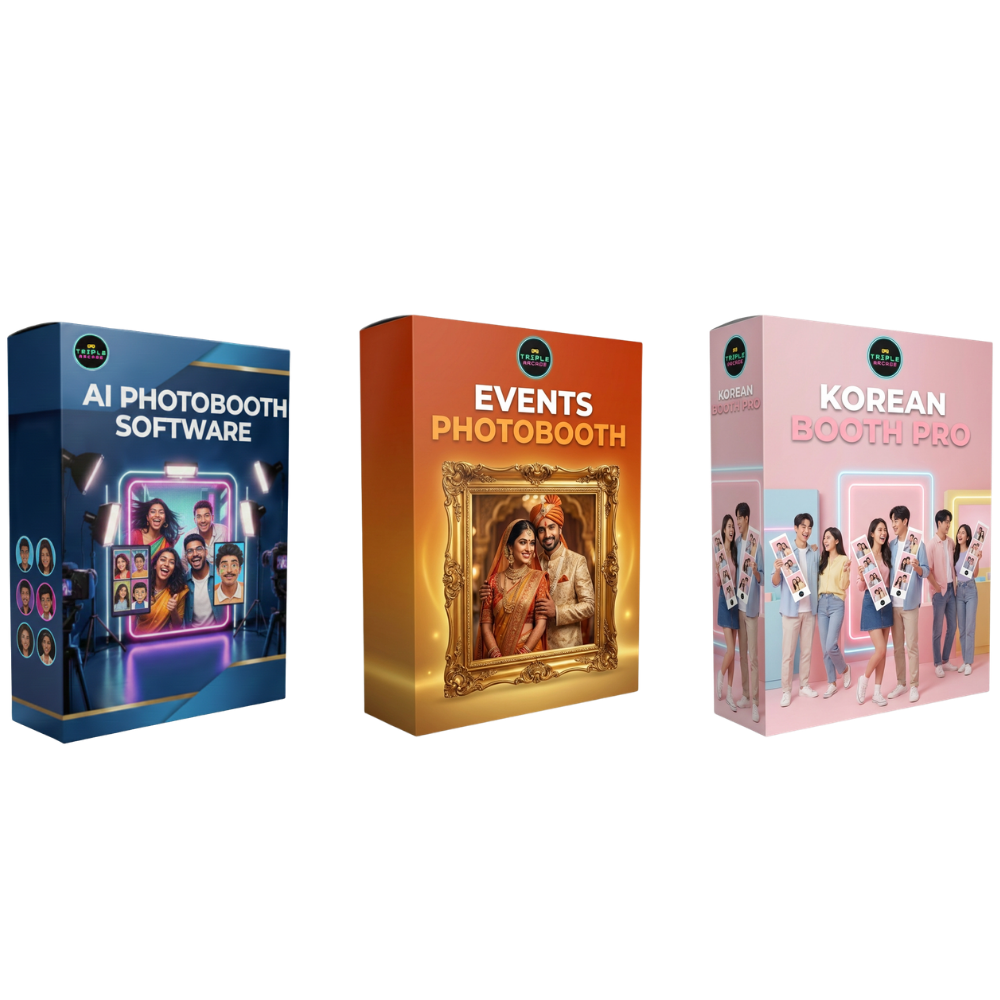
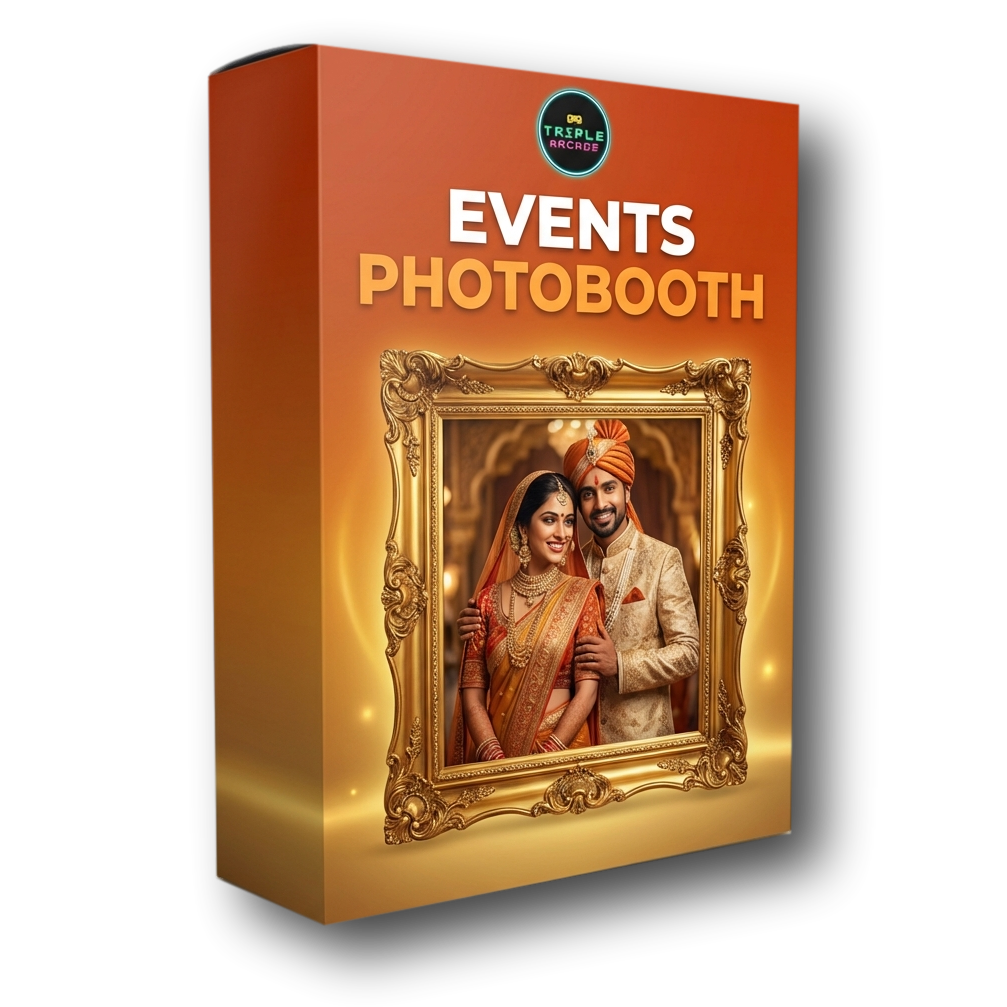
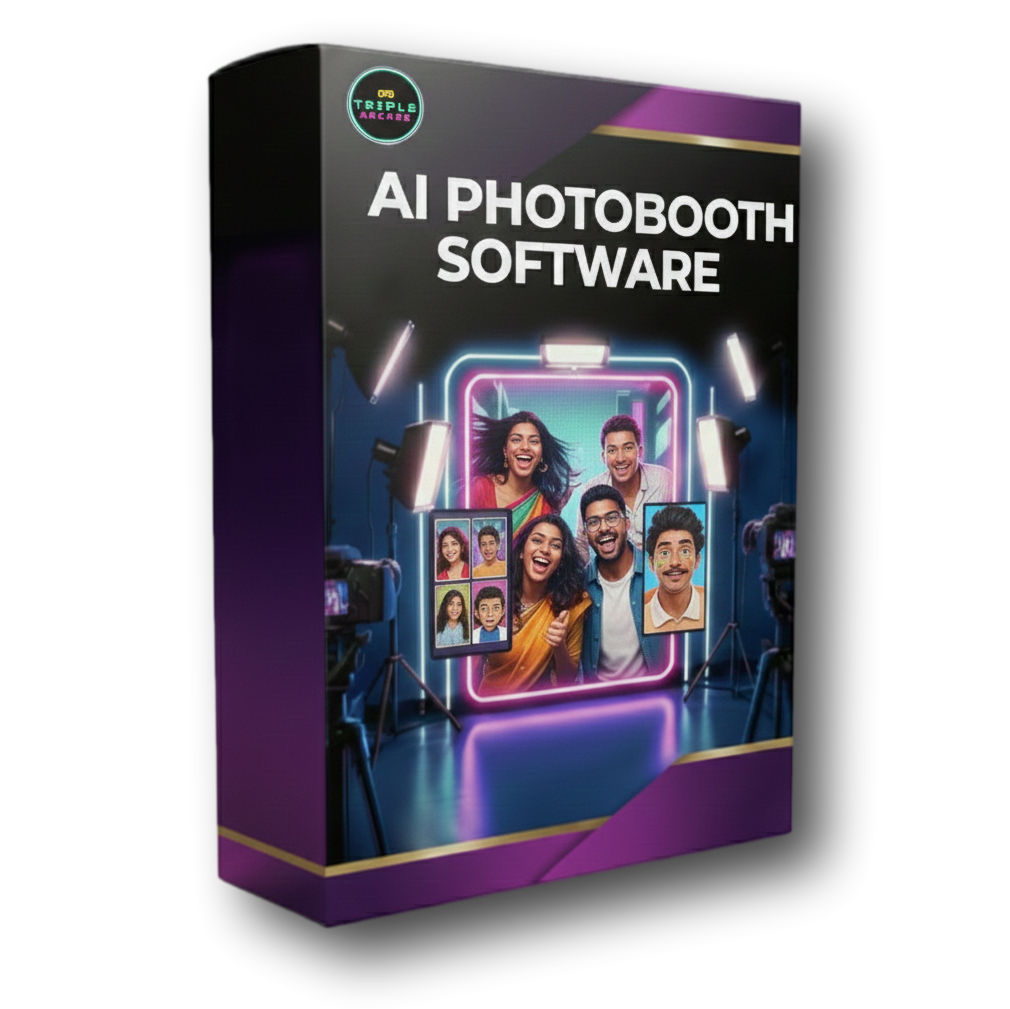
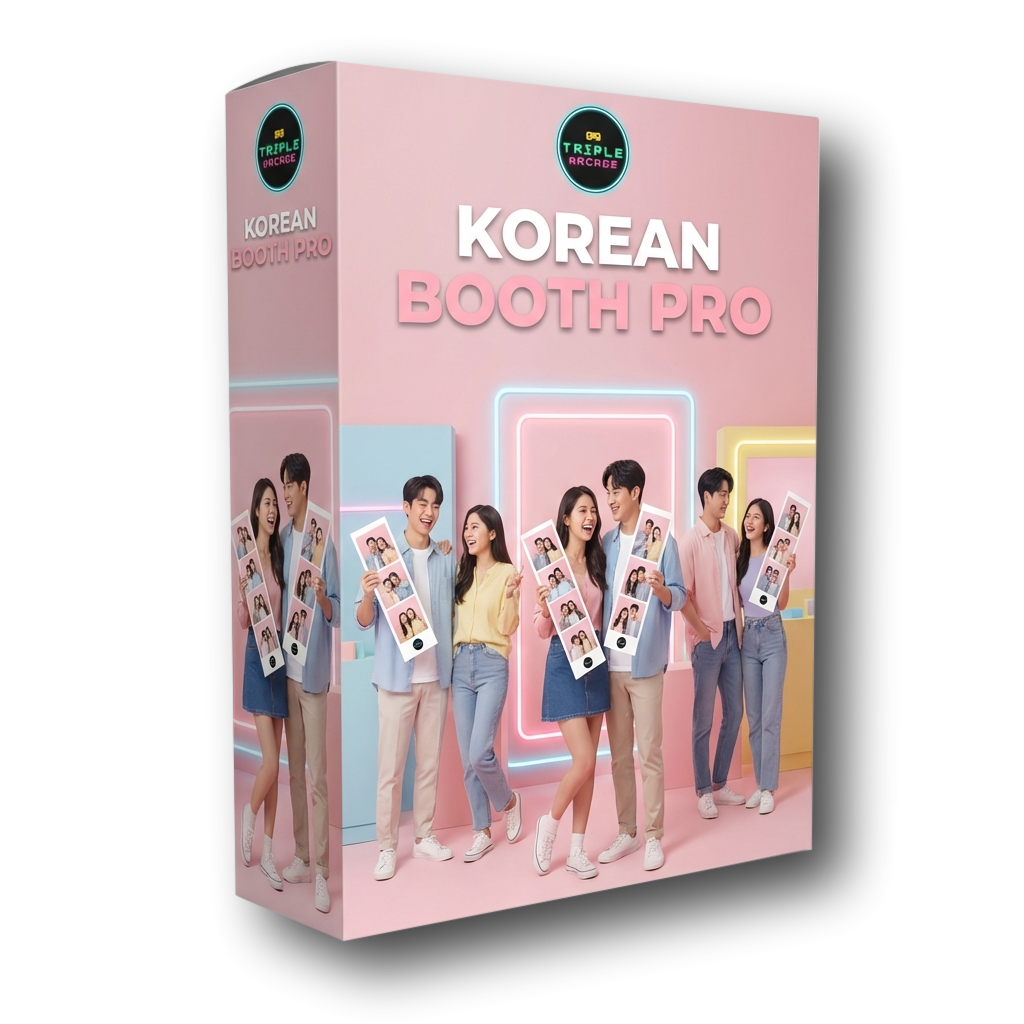
Triple Arcade photobooth software — AI, Events, and Korean Booth product lineup
Automatic

Automatic Photo Booth Software

A Korean-style self-service UI that guides guests from tap to print — no attendant needed at the booth.

Print

Multiple Print Outputs

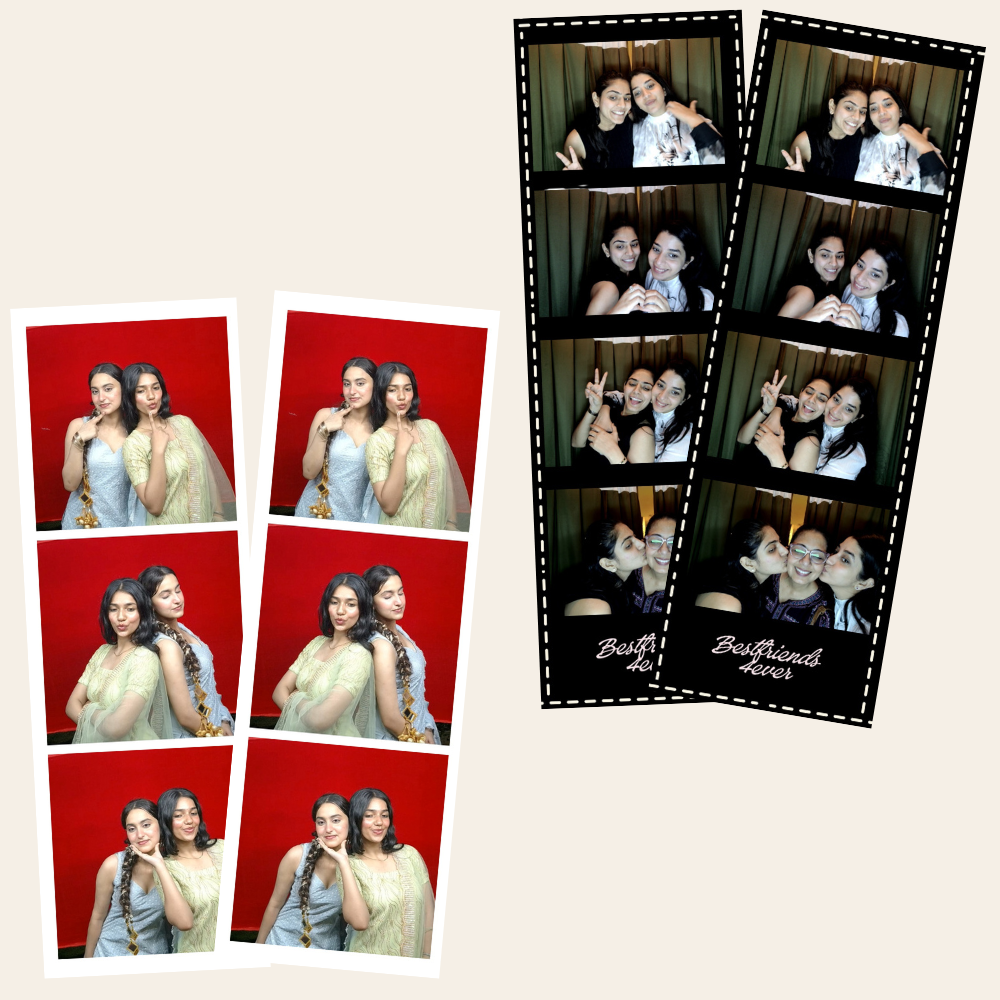
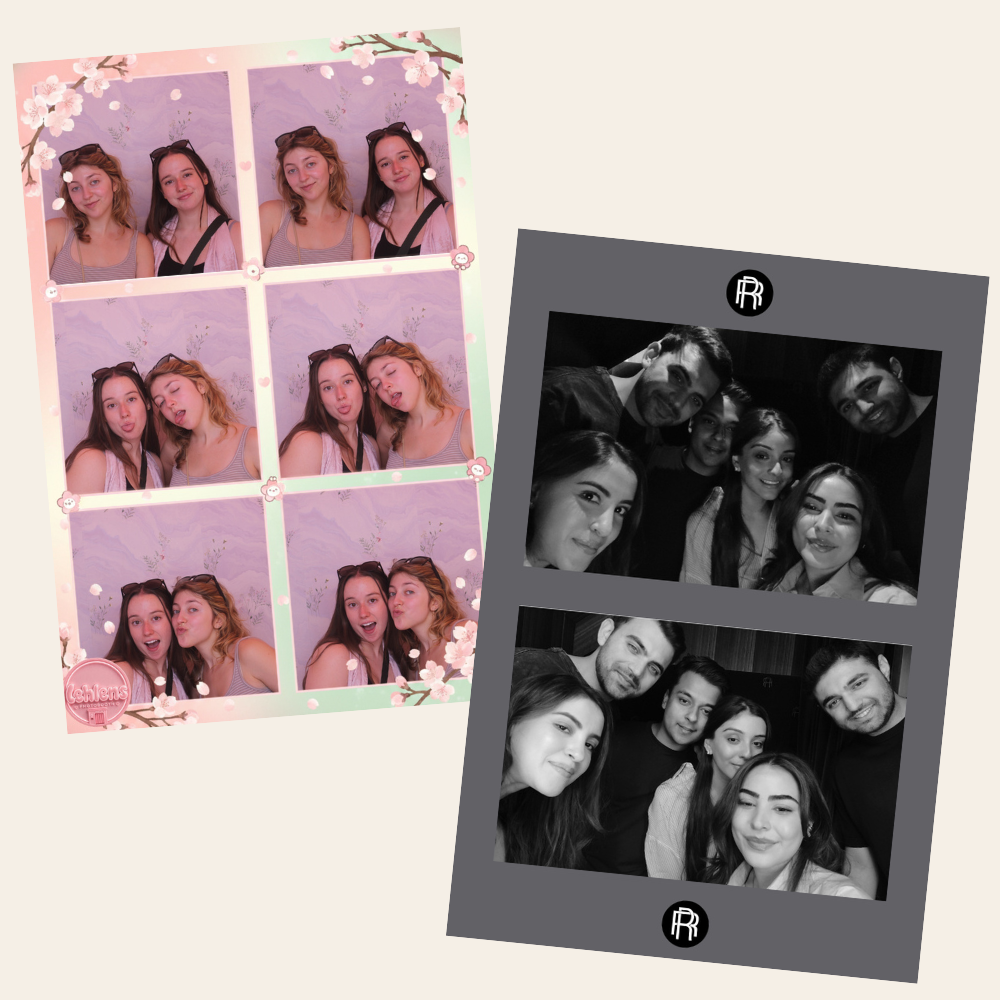
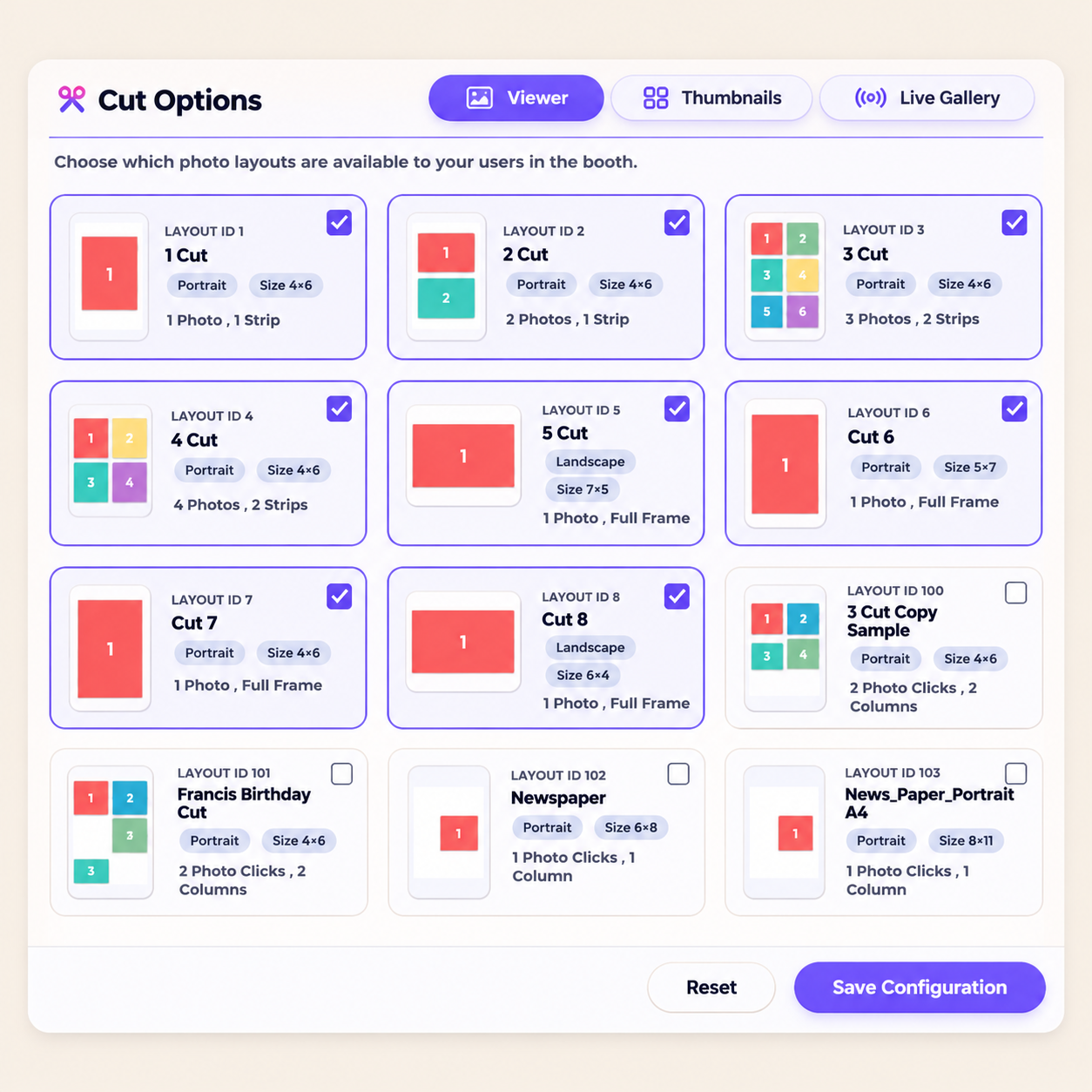
One photo session, many layouts — choose 1 Cut, 2 Cut, 3 Cut, or 4 Cut strips, Polaroid-style frames, and branded templates without switching software.

GIF

GIF Creation

Turn every session into shareable moments — animated GIFs and boomerang-style loops guests can take home on their phone via QR.

Print Design

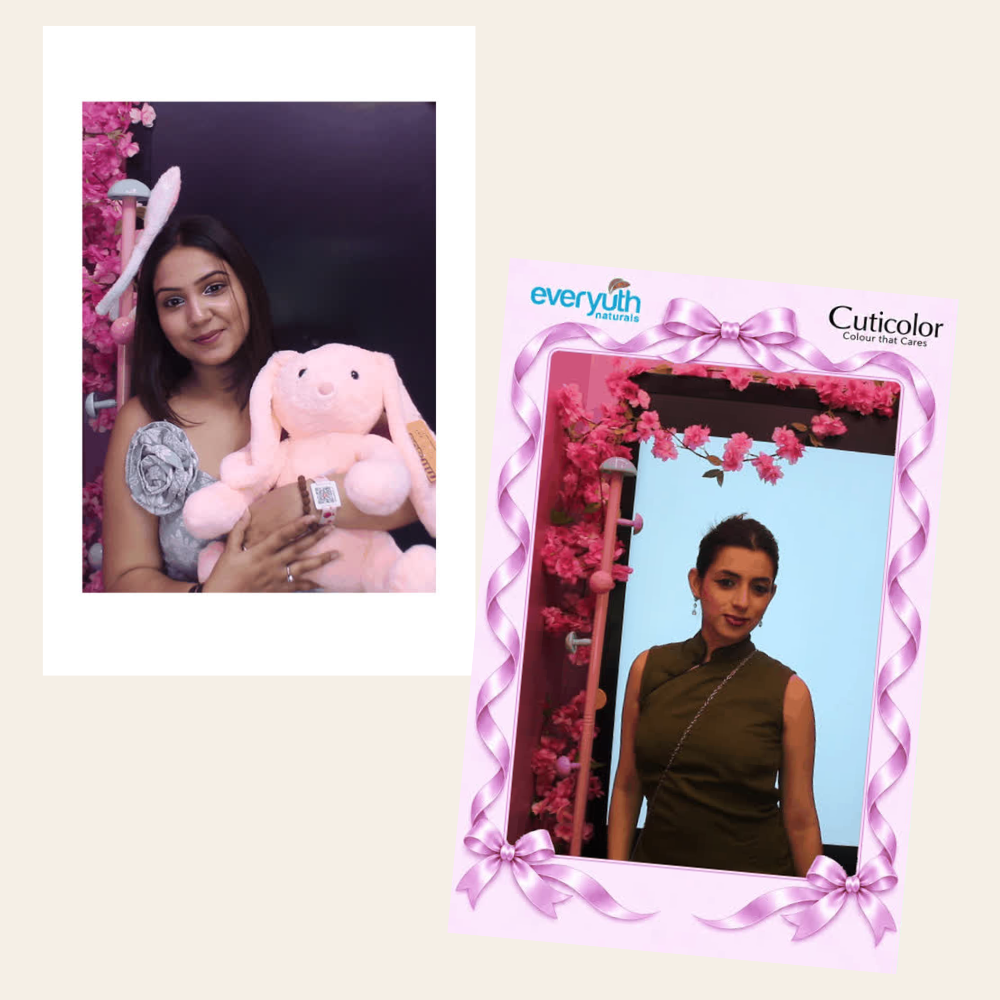
Customized Frames and Print

Build every print your way — from layout to logo — then drop designs from your favorite creative tools straight onto the booth.

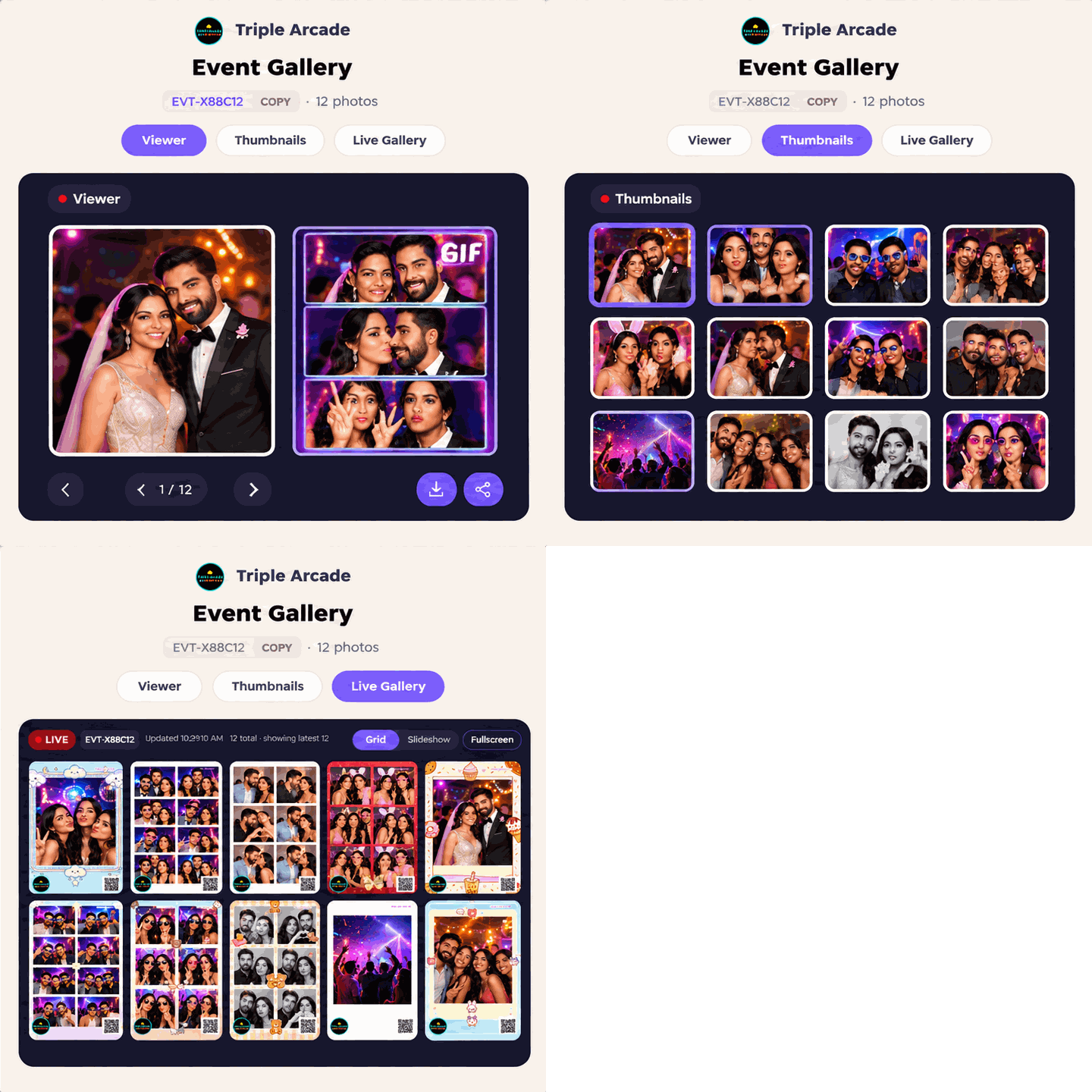
Event gallery viewer — photo and animated GIF with download and share
Gallery

Event & Photo Gallery

Every event gets its own cloud gallery — guests scan a QR to browse and download photos, while you keep a branded collection link for the client.

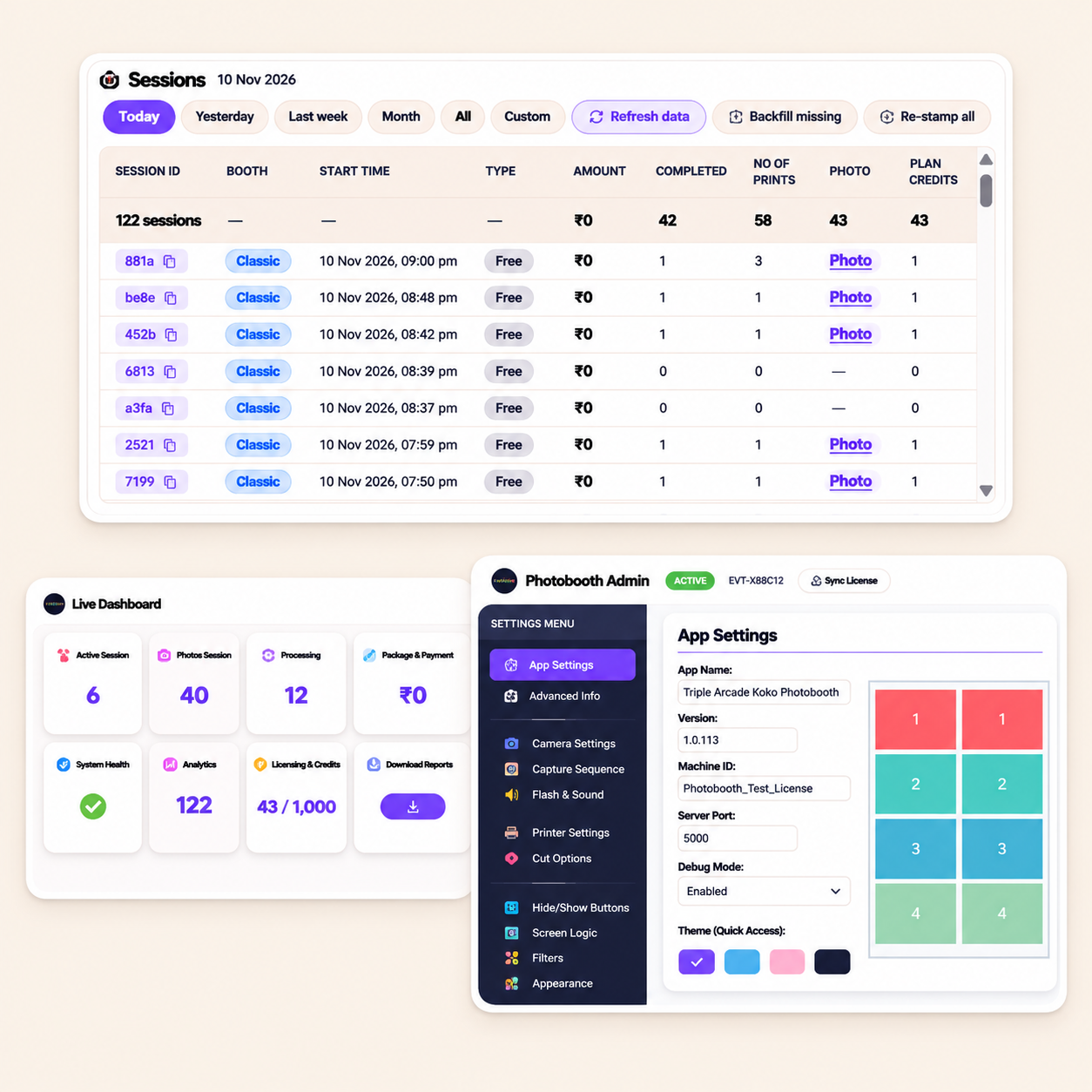
Photobooth dashboard — sessions analytics, live status, and admin settings
Reports

Dashboard & Downloadable CSV

See what happened at every booth in real time — session counts, print copies, payments, and credit usage — then export filtered data for your clients or accounts team.

Multiple Features in Single Platform

Capture

Photos, GIFs, Boomerangs, and 360 Videos using DSLR or Webcam

Share

Instant sharing via QR Code and WhatsApp

Print

Automated printing with custom layouts and branding options

Multiple Photo Outputs

Choose 1 Cut / 2 Cut / 3 Cut / 4 Cut and several other template designs

UPI Payment

Accept payments with UPI, Credit Card, and online banking all in one

Real Time Reports

Check print, shares and revenue collections from your Photobooth

Core Photobooth Software

Windows photobooth apps for operators, agencies, and event technology platforms.

FAQ

General Information

What versions and experiences are available? +
We offer specialized software versions including Events, Korean, Cabin, Photo ID, and AI Photobooth Software. Experiences available now: Korean, Event, AI, and Newspaper. Coming soon: Flipbook, Magnets, and High Angle.
Do you offer a free trial to test with before purchasing? +
Yes, you can download a free trial of the software to test before purchasing. A watermark will be present while using the trial.
Is Triple Arcade Photobooth Software free? +
Triple Arcade Photobooth Software is professional photo booth software designed for DSLR cameras. It is not free software, but you can download a free trial version from our website to test before purchasing.
What is the best software for a photo booth? +
The best software depends on your specific needs. Triple Arcade Photobooth Software offers an easy-to-use interface and powerful features at a great value, making it a top choice for professionals.

Print

What print sizes are supported? +
Supported print sizes include 6×4, 4×6, 2×6, 5×7, 6×8, and A4 prints — so you can run classic strips, grids, and larger event prints from the same software.
What printers are compatible? +
All Windows-compatible printers work with the software. For commercial running booths, we recommend the DNP RX1 or HiTi 925.

Payments & Plans

What are the software plans? +
We offer Daily, Monthly, and Yearly plans. See plans and pricing →
Can I accept payments for Pay-per-Print or Pay-per-Download? +
Yes — Triple Arcade Photobooth Software supports cash (NV10 cash acceptor on compatible machines), payment gateway for UPI and credit cards through Razorpay, and cashless options including Credit/Debit Cards, UPI, Paytm, PhonePe, and Google Pay. You can also use the Coupons system to accept payment where no additional device is necessary. Nayax and Stripe integrations are coming soon.

Hardware Requirements

What are the OS requirements? +
Windows 10 and above. Android and iPad versions are coming soon.
What kinds of booths does it support? +
All Triple Arcade photobooth machines, build-your-own photobooth setups, customer devices, and mirror photobooths.
What are the hardware requirements? +
Triple Arcade Photobooth Software is currently available for Windows. Versions for Android and iPad are in development. Recommended PC specs: Intel i3 12th Gen (or equivalent), 256 GB SSD, and 8 GB RAM.
What cameras are compatible? +
Our software is optimized for professional quality and supports Canon and Nikon DSLR cameras.
Can Triple Arcade Photobooth Software be used on an iPad? +
Currently, the software is for Windows only. An iPad version is coming soon.
How do I connect my DSLR camera? +
Simply connect your Canon or Nikon DSLR camera to the computer using a USB cable. Triple Arcade Photobooth Software will automatically recognize compatible cameras.

Features & Usage

Can I customize / build my own frames? +
Yes — you can fully customize and build your own frames, templates, and stickers to match your brand, event theme, or client requirements using the software Template Manager and Template Builder.
Does the software come with any free templates? +
Yes, there are 50 basic templates included in the software that can be fully customized. Additional professional templates are available for purchase on our online store.
How many devices can I use with my subscription? +
Your standard subscription allows for use on 1 device only. You can add more computers for an additional fee. Premium and Expansion plans include 2 licenses.

Sharing & Gallery

How do users get their photos? +
Each session generates a QR code that guests can scan on their phone to get their photo and GIF instantly. Internet is required for real-time delivery. If there is no internet, QR codes are queued — when connectivity returns, guests can still get their photos later during the event or after the event.
How do I share photos with the client after events? +
All photos are automatically stored on Triple Arcade Cloud for 7–15 days. You can share the gallery link with your customers during or after the event — no need to download or upload to Google Drive or any other third-party cloud.
What is a social media wall? +
A social media wall is a live event gallery that updates as guests take photos — like an Instagram-style feed on a phone, tablet, TV, or external screen. Open it in any browser and display it at the venue so everyone can watch new shots appear in real time.

Photo Booth Basics

Are there any tutorials or training? +
Yes — you can access a library of videos on how to use the Koko Booth / Triple Arcade Photobooth Software, covering topics such as software basics, designing templates, camera connections, printer settings, and more. Go to video tutorials →
What is a DSLR photo booth? +
A DSLR photo booth uses a digital single-lens reflex camera to capture high-quality images. Popular at weddings and corporate events, it offers superior image quality compared to webcam or tablet solutions. The camera connects to a computer running software like Triple Arcade Photobooth Software.
What equipment do I need for a photo booth? +
You will need a Canon or Nikon DSLR camera, a Windows PC to run the software, Triple Arcade Photobooth Software, and accessories such as a photo printer, backdrop, props, and a sturdy stand or enclosure.
How do I set up my DSLR for a photo booth? +
Install Triple Arcade Photobooth Software on your Windows computer and connect your DSLR via USB. The software will take control of camera settings and enable live view, automated capture sequences, and instant sharing.