Korean Booth Software

Korean Booth Software

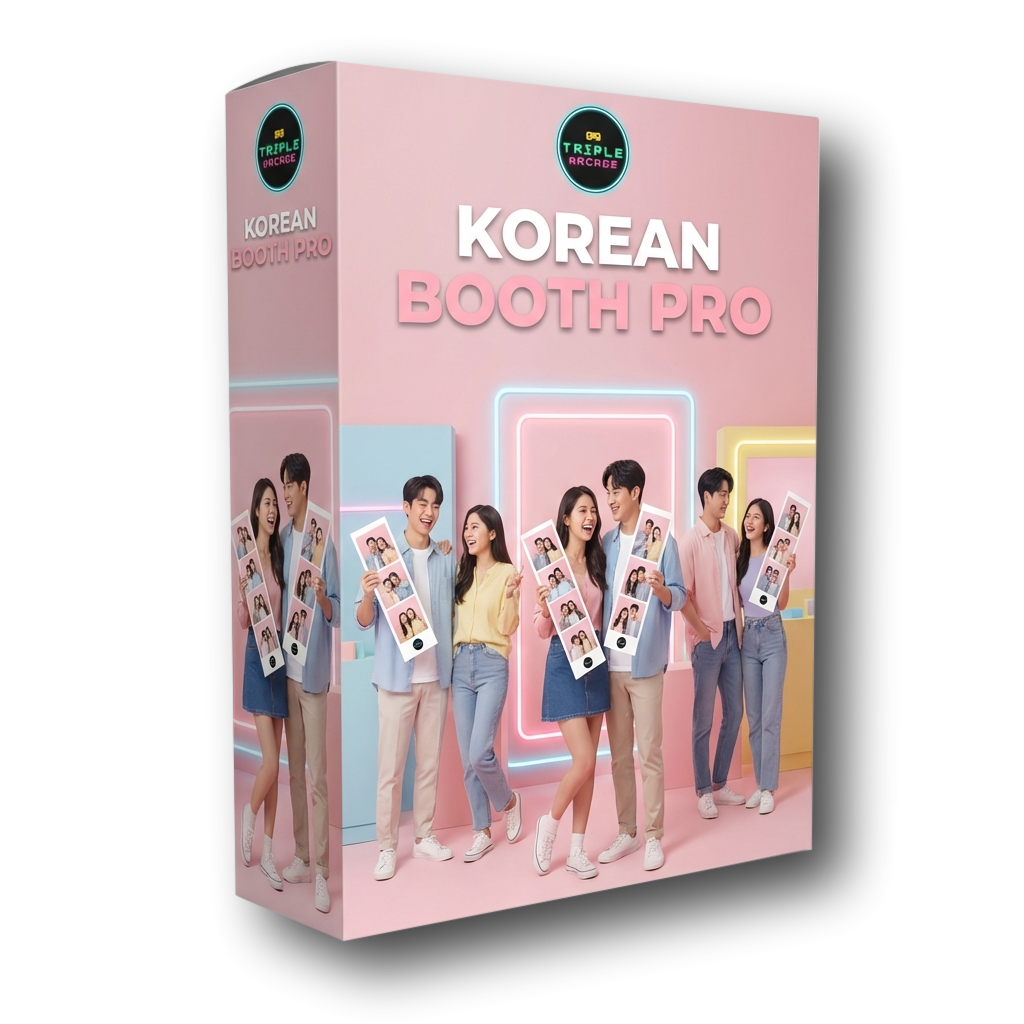
Authentic Korean 4-cut software with frames, stickers, beauty filters, and UPI payments.
View Pricing
Front View
Front View

Authentic Korean 4-Cut Flow

The software behind every Koko installation.

Korean Booth Software delivers the full selfie-booth experience — pose guides, 100+ frames, sticker packs, beauty filters, payment integration, and DNP print layouts.
Why Korean Booth Software?

  • ✓ 100+ Korean frames
  • ✓ 150+ sticker library
  • ✓ Beauty filters
  • ✓ UPI payment integration

See Korean Booth Software in Action

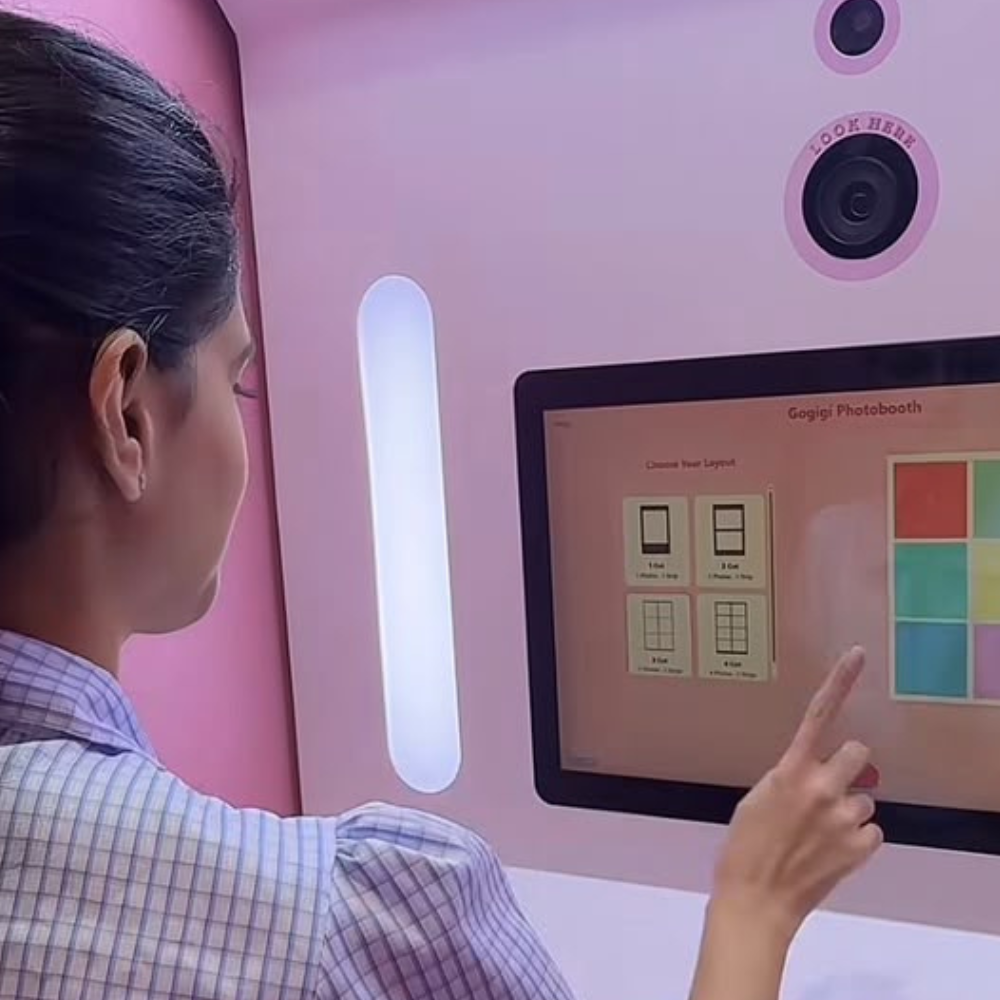
Choose Your Layout — 1 Cut, 2 Cut, 3 Cut, and 4 Cut options on the Korean booth screen
Step 1

Choose Cut

Guests start by picking their print layout — the classic Korean-booth first step that sets strip style before anything else.
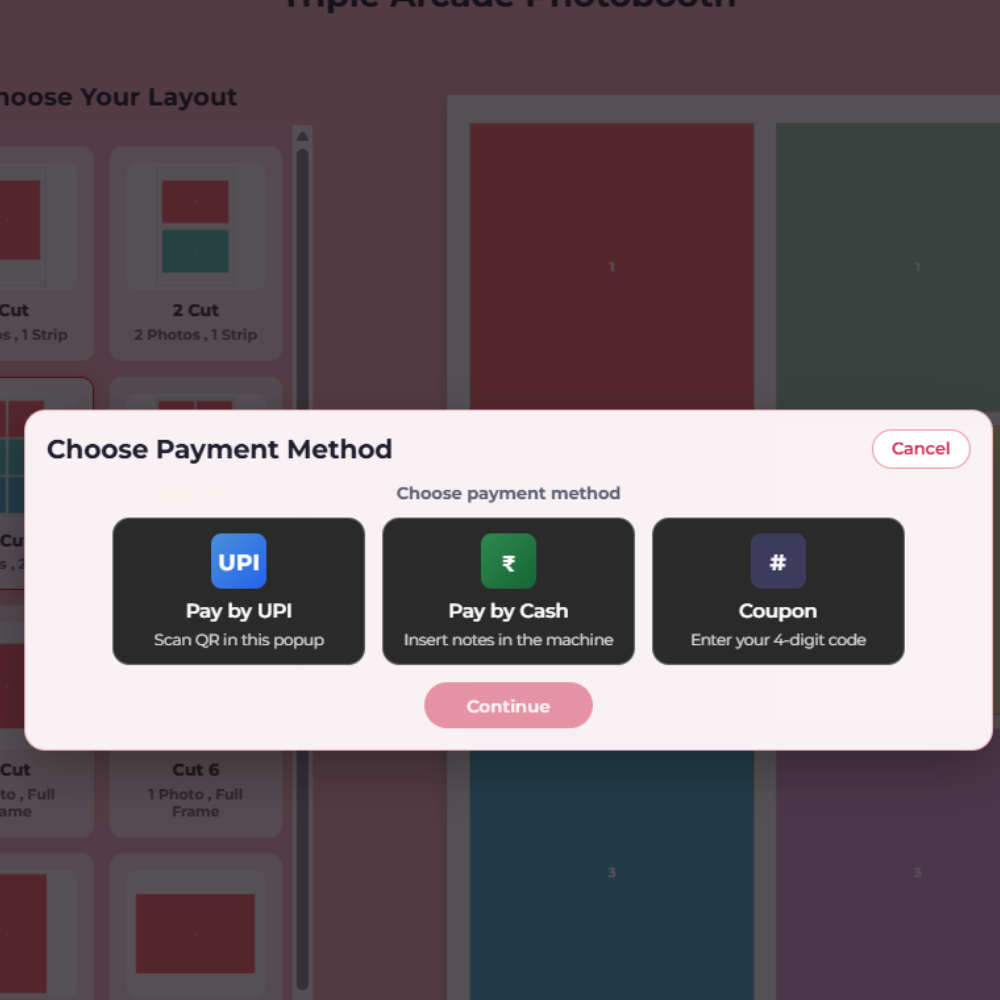
Choose Payment Method — Pay by UPI, Pay by Cash, and Coupon
Step 2

Make Payment

Three payment options keep unmanned booths moving — guests pay their way and continue without staff.
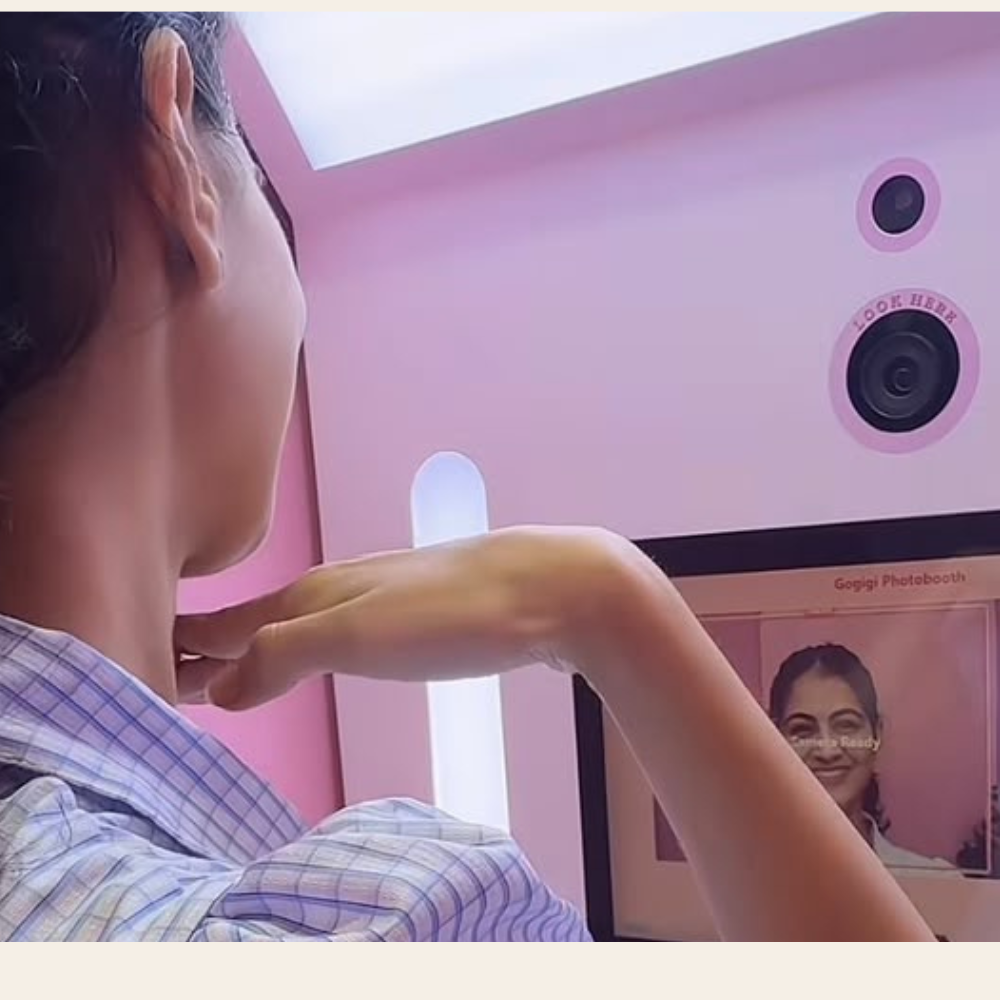
Strike a Pose — live camera preview with Camera Ready on the booth screen
Step 3

Strike a Pose

Capture modes for every venue — fully self-service, assisted, or fully operator-controlled.
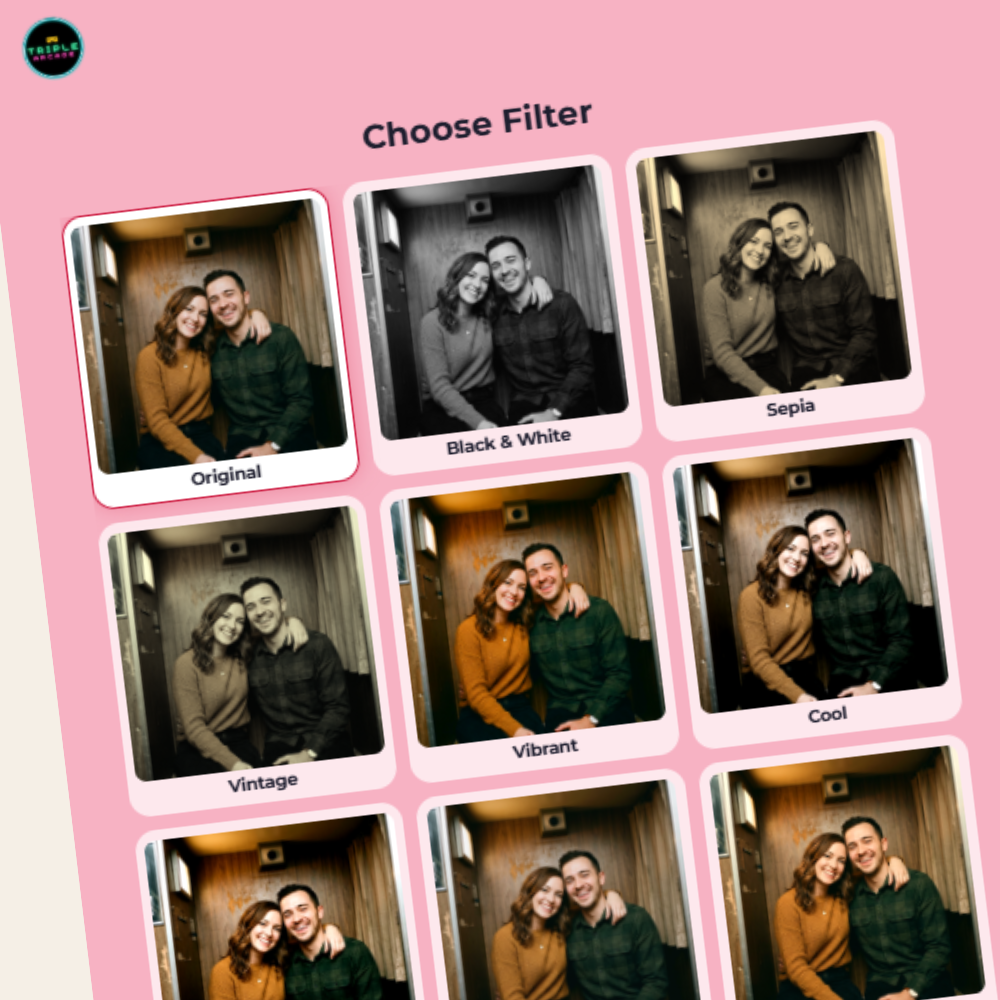
Choose Filter screen with Original, Black and White, Sepia, Vintage, Vibrant, and Cool
Step 4

Choose Filter

Guests preview looks before they commit — operators stay in control of which filters appear on the booth.
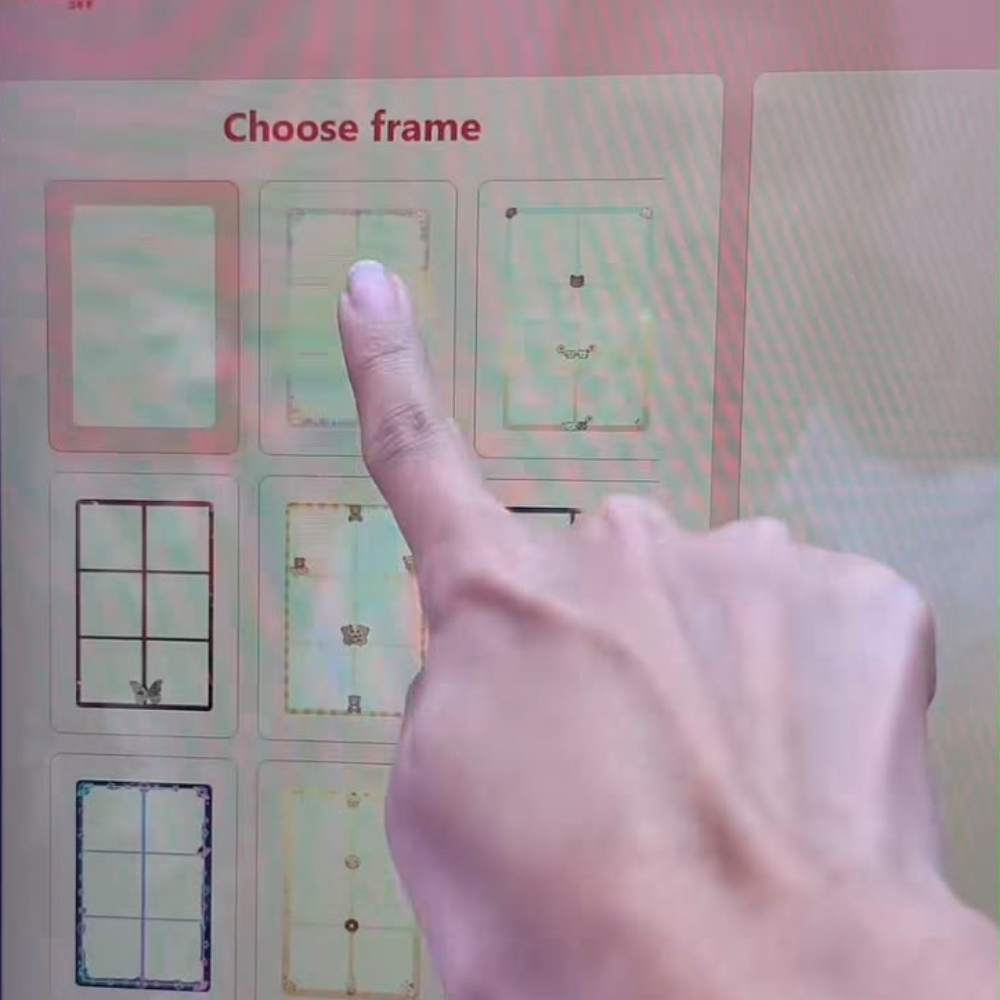
Choose frame — Korean-style frame library on the booth touchscreen
Step 5

Apply Frame

Apply a Korean frame in one tap — start from the library or bring your own designs.
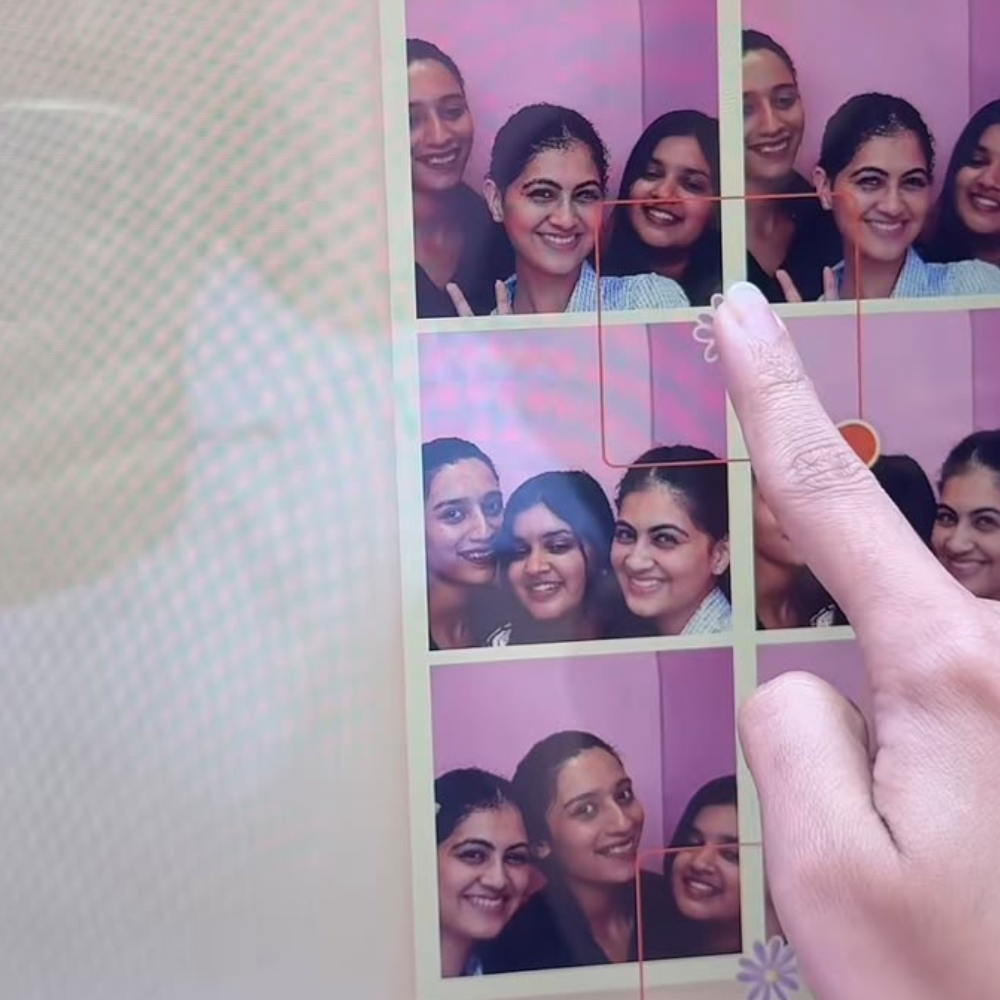
Add Stickers — touch to place decorative stickers on the photo strip
Step 6

Add Stickers

Guests decorate the strip before it prints — drag, place, and personalize every session.
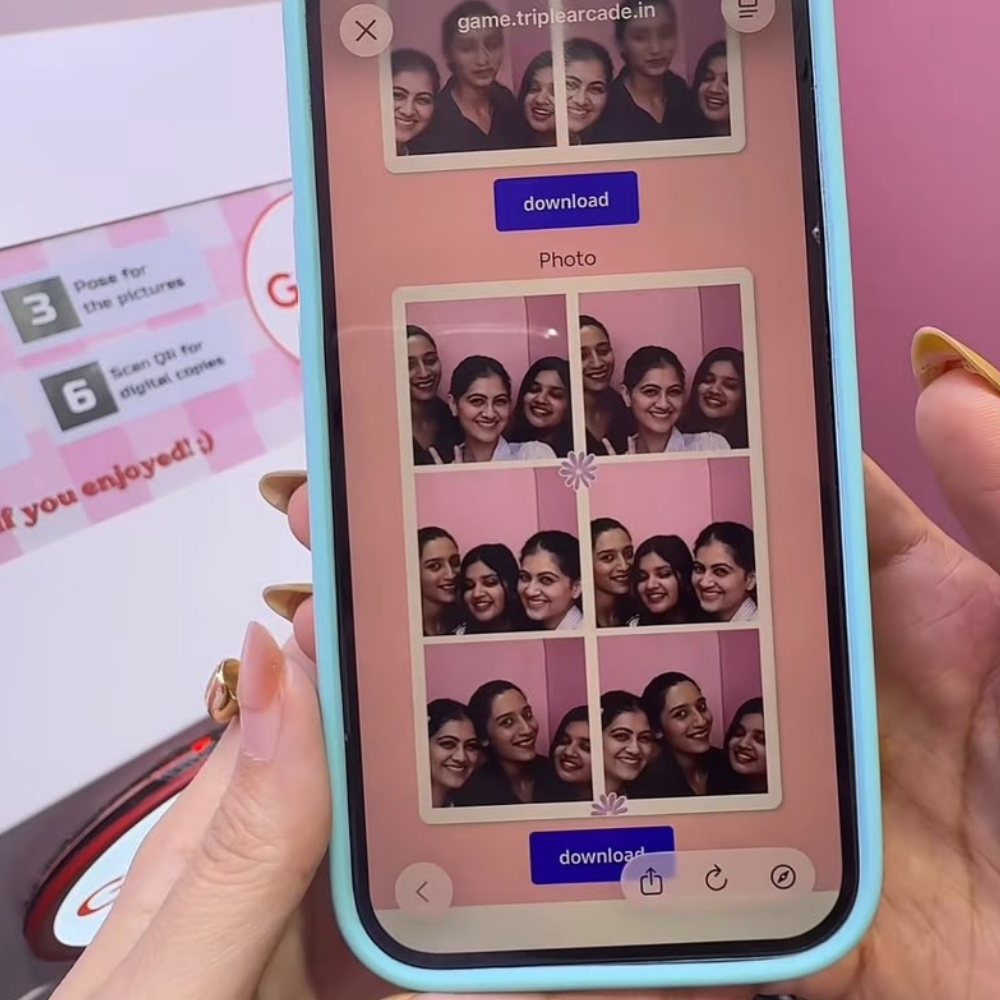
Collect photos and GIF on phone via QR scan with download buttons
Step 7

Collect Print & GIF

Guests leave with a physical print and digital copies — scan QR for photos and GIF on their phone, and show a live social media wall at the venue.

Discover More Features

For features, pricing, and other information, explore Kokobooth by Triple Arcade — the full Photobooth Software platform.

Ideal Use Cases

Photobooth Operators Cafés / Restaurants Kawaii / Korean and Japanese Stores Automatic Cabin Booths Malls and High Street

FAQ

General

What is Korean Photobooth Software? +
Korean Photobooth Software (Kokobooth) is Triple Arcade’s self-service Korean booth experience — Choose Cut → Pay → Pose → Filter → Frame → Stickers → Print & QR share. It powers Koko hardware and compatible cabin booths for unmanned venues.
Do you offer a free trial? +
Yes — download a free trial of Kokobooth / Triple Arcade Photobooth Software to test the Korean flow before purchasing. A watermark is present while using the trial.
Is Korean Booth Software free? +
No — it is professional photobooth software for commercial Korean-style booths. You can start with a free trial, then choose Daily, Monthly, or Yearly plans.

Print & Booth Flow

What print sizes and cuts are supported? +
Guests choose classic Korean cuts (1 Cut, 2 Cut, 3 Cut, 4 Cut) on the booth. Print sizes include 6×4, 4×6, 2×6, 5×7, 6×8, and A4 depending on your printer and template.
What printers are compatible? +
All Windows-compatible printers work. For commercial Korean booths running all day, we recommend the DNP RX1 or HiTi 925.
Can I customize frames and stickers? +
Yes — apply from the existing 50 Korean frame library and 50 Korean sticker library, or design and upload your own frames and stickers with Template Manager and Template Builder.

Payments & Plans

What are the software plans? +
Daily, Monthly, and Yearly plans are available for Kokobooth / Photobooth Software. See plans and pricing →
How do guests pay at a Korean booth? +
Three options on the booth: Pay by UPI (scan QR in the popup), Pay by Cash (NV10 cash acceptor on compatible machines), and Coupon (enter a 4-digit code — no extra device required). Razorpay supports UPI and cards; Nayax and Stripe are coming soon.

Hardware

What are the OS and PC requirements? +
Windows 10 and above. Recommended PC: Intel i3 12th Gen (or equivalent), 256 GB SSD, and 8 GB RAM. Android and iPad versions are coming soon.
What booths does Korean Software support? +
All Triple Arcade Koko Korean booths (Koko-1, Koko-2, Koko Slim, and related models), automatic cabin booths, build-your-own setups, customer devices, and mirror photobooths running the Korean experience.
What cameras are compatible? +
Optimized for Canon and Nikon DSLR cameras via USB. Connect the camera and Kokobooth recognizes compatible models for live view and capture.
Automatic, semi-automatic, or manual capture? +
Automatic is fully automated with no retake — the entire process runs itself. Semi-automatic shows guests all photos after the session so they can choose which ones to retake. Manual lets the user retake after every photo capture.

Sharing & Gallery

How do guests get their photos and GIF? +
Each Korean booth session generates a QR code. Guests scan it to download their photo strip and GIF on their phone. Internet is needed for real-time delivery; if offline, QR shares queue and become available when connectivity returns — during or after the visit.
How do I share photos with clients after events? +
Photos are stored automatically on Triple Arcade Cloud for 7–15 days. Share the gallery link with clients during or after the event — no Google Drive or third-party upload needed.
What is a social media wall? +
A live gallery that updates as guests finish Korean booth sessions — display it on a phone, tablet, TV, or external screen at the café, mall, or high-street location so new strips appear in real time.

Training

Are there tutorials for Kokobooth? +
Yes — a video library covers Kokobooth / Triple Arcade Photobooth Software basics, templates, camera connection, printer settings, and more. Go to video tutorials →