Events Software

Events Photobooth Software

Professional event booth software for weddings, parties, and corporate activations — offline-ready for Indian venues.
Start Free Trial View Plans
Front View
Front View

Built for Event Professionals

Everything you need on event day.

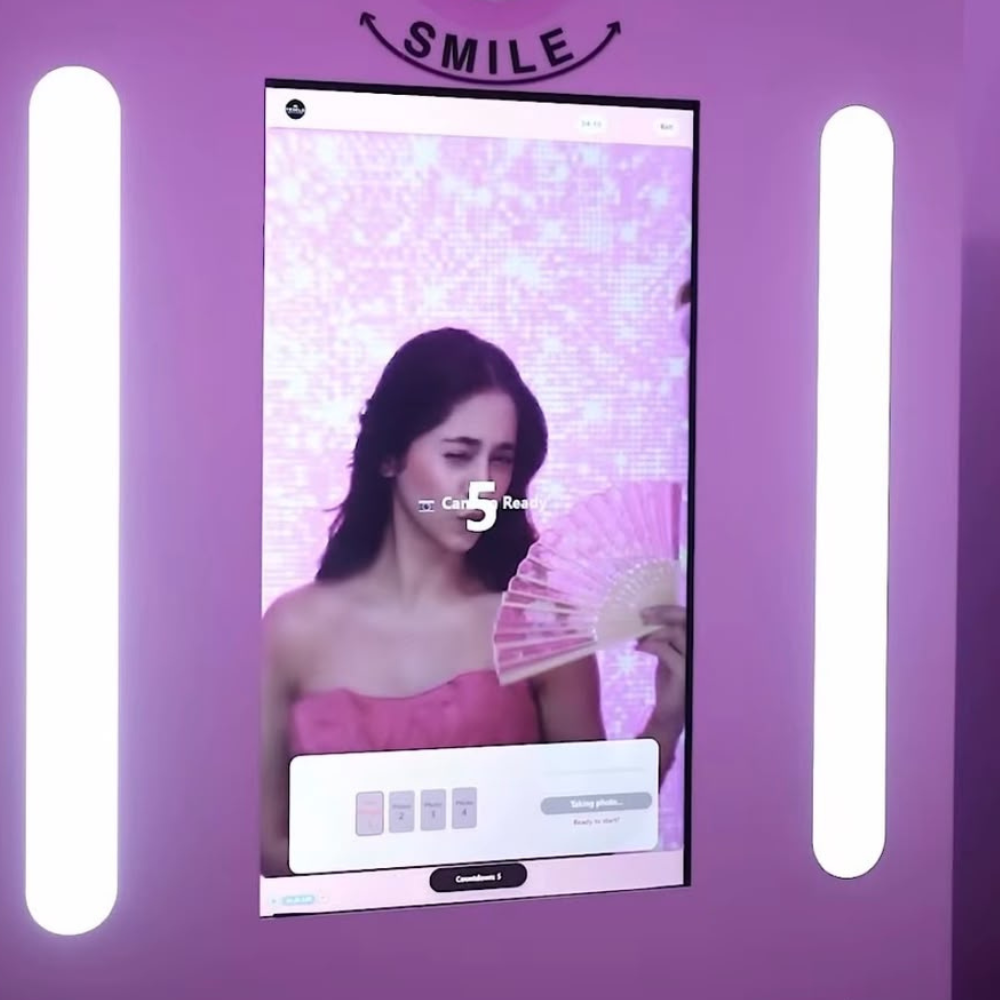
Events Software handles high-volume weddings and corporate gigs with DSLR tethering, GIF booths, green screen, instant print layouts, and QR sharing — even when Wi-Fi fails.
Why Events Software?

  • ✓ DSLR & webcam support
  • ✓ GIF & boomerang modes
  • ✓ Offline venue mode
  • ✓ Custom print templates

See Events Software in Action

Workflow

Capture → Print → Share

The classic event booth flow — guests pose, get an instant print, and take digital copies home on their phone.

Print

Instant Print Photobooth

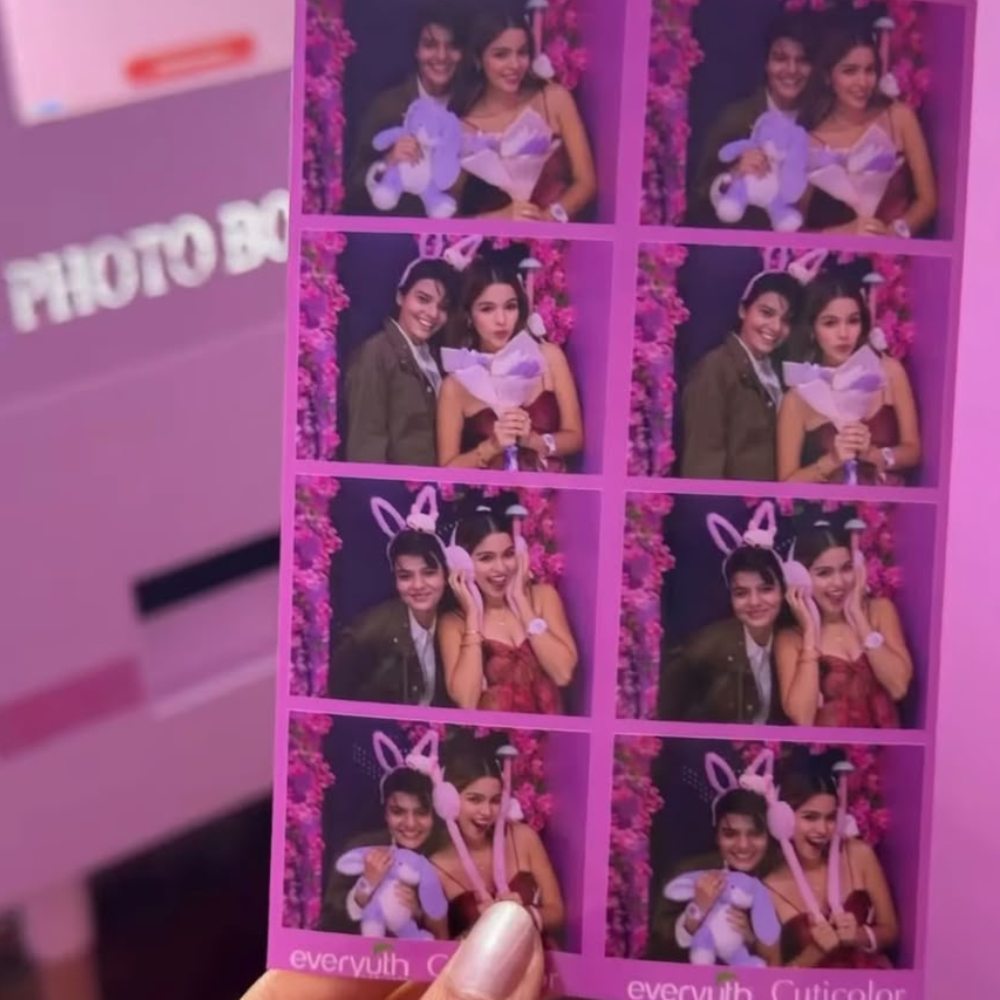
Deliver keepsakes in seconds — dye-sub and Windows printer support for high-volume wedding and corporate nights.
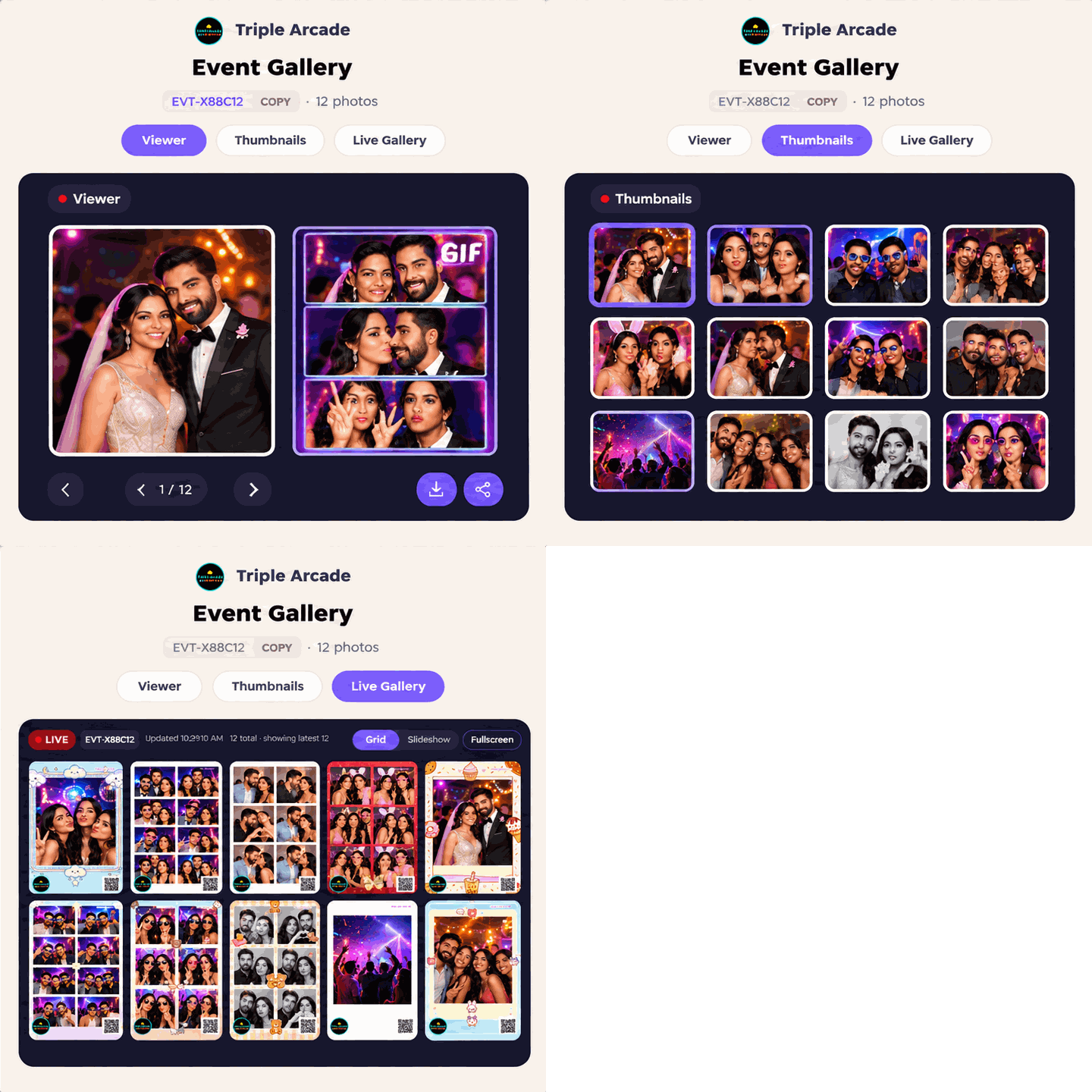
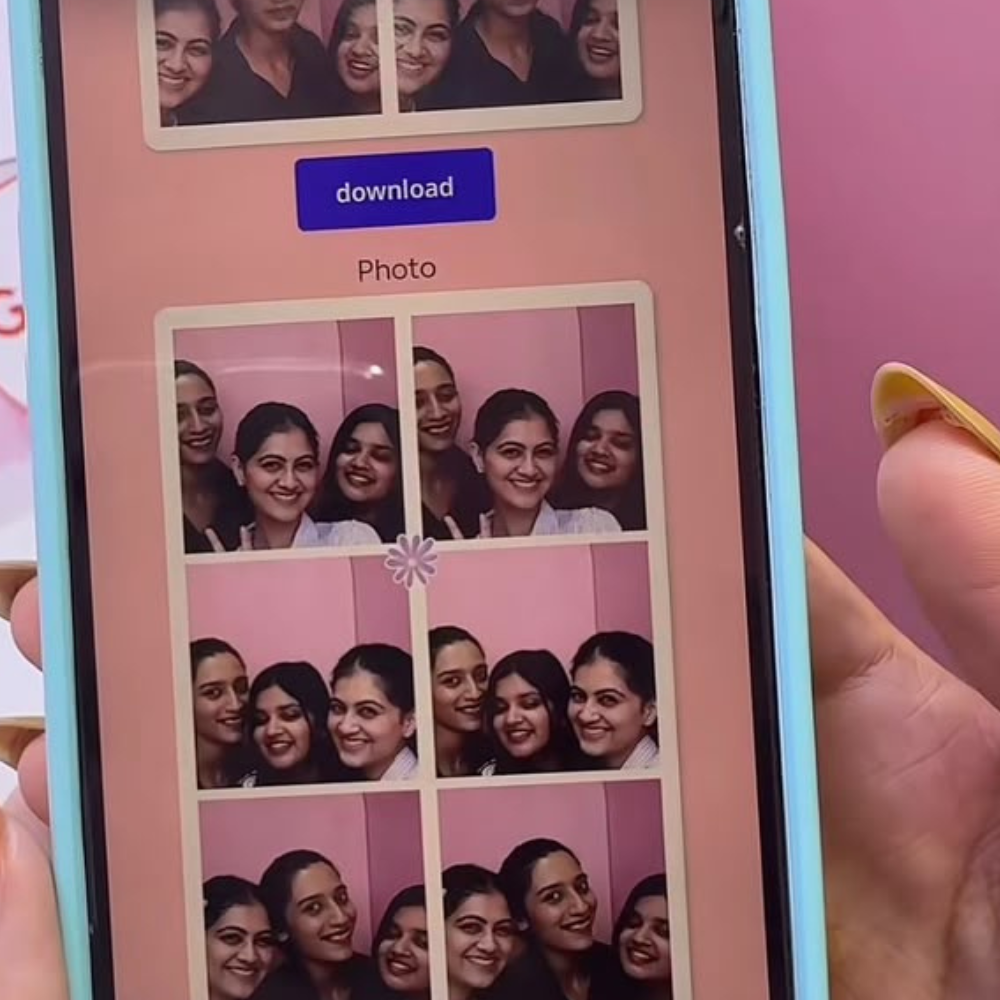
Live Event Gallery viewer with photos, GIF, download and share
Gallery

Live Gallery

Every event gets a live gallery — guests browse photos and GIFs, download favorites, and hosts share one branded link with the client.
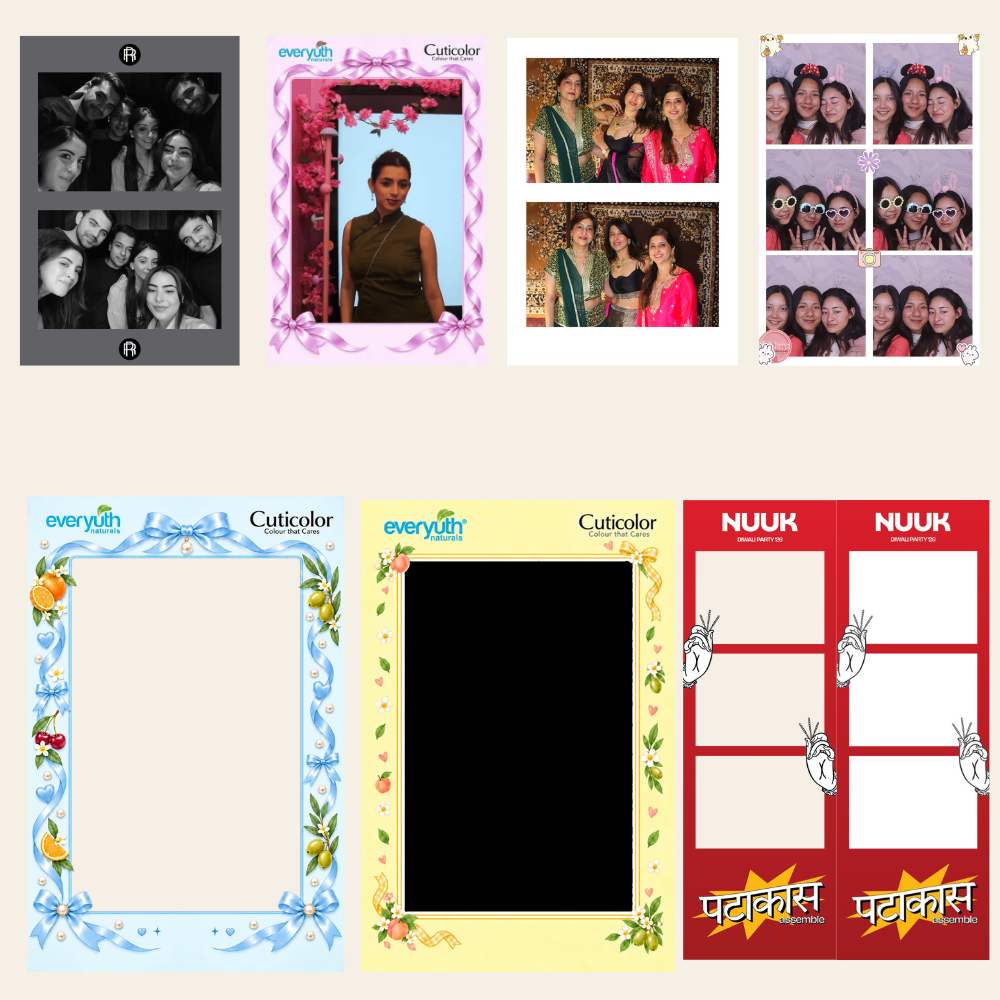
Customized event frames and branded print templates
Branding

Customized Frames

Match every print to the brand, wedding theme, or sponsor — from logos on strips to full custom frame libraries.

Discover More Features

For features, pricing, and other information, explore Kokobooth by Triple Arcade — the full Photobooth Software platform.

Ideal Use Case Locations

Wedding Planners Event Agencies Venue Operators Rental Companies

FAQ

General

What is Events Photobooth Software? +
Events Photobooth Software is Triple Arcade’s Capture → Print → Share experience for weddings, parties, and corporate activations — DSLR capture, instant prints, GIFs, customized frames, and a live gallery clients can share after the event.
Do you offer a free trial? +
Yes — download a free trial of Kokobooth / Triple Arcade Photobooth Software to test the Events flow before purchasing. A watermark is present while using the trial.
Is Events Photobooth Software free? +
No — it is professional event photobooth software. You can start with a free trial, then choose Daily, Monthly, or Yearly plans.

Print & Booth Flow

What is the Capture → Print → Share flow? +
Guests capture with a live countdown and multi-shot sequence, receive an instant print at the booth, and scan a QR to download photos and GIFs on their phone — the core Events Software workflow for high-volume event nights.
What print sizes are supported? +
Supported print sizes include 6×4, 4×6, 2×6, 5×7, 6×8, and A4 — so you can run classic strips, grids, and larger event prints from the same software.
What printers are compatible? +
All Windows-compatible printers work. For commercial event booths, we recommend the DNP RX1 or HiTi 925.
Can I customize / build my own frames? +
Yes — design and upload custom frames, templates, and stickers for weddings, brands, and sponsors using Template Manager and Template Builder, including logos and themed print layouts.

Payments & Plans

What are the software plans? +
Daily, Monthly, and Yearly plans are available for Events / Kokobooth Photobooth Software. See plans and pricing →
Can I accept payments for Pay-per-Print or Pay-per-Download? +
Yes — cash (NV10 on compatible machines), UPI and cards via Razorpay, and the Coupons system when no extra device is needed. Nayax and Stripe are coming soon.

Hardware

What are the OS and PC requirements? +
Windows 10 and above. Recommended PC: Intel i3 12th Gen (or equivalent), 256 GB SSD, and 8 GB RAM. Android and iPad versions are coming soon.
What kinds of booths does Events Software support? +
Triple Arcade photobooth machines, build-your-own event setups, customer devices, portable booths like Koko Slim, cabin booths, and mirror photobooths running the Events experience.
What cameras are compatible? +
Optimized for Canon and Nikon DSLR cameras via USB, with webcam support for flexible event setups. Connect via USB for live view and capture.
Does it work offline at venues? +
Yes — core Capture → Print workflows keep running when venue Wi-Fi drops. Cloud gallery, real-time QR delivery, and live social wall features sync when internet returns.

Sharing & Gallery

How do guests get their photos and GIF? +
Each session generates a QR code. Guests scan it to download their photo and GIF on their phone. Internet is needed for real-time delivery; if offline, shares queue and become available when connectivity returns — during or after the event.
How do I share photos with the client after events? +
All photos are stored automatically on Triple Arcade Cloud for 7–15 days. Share the Live Gallery / event gallery link with your client — no Google Drive or third-party upload needed.
What is Live Gallery / a social media wall? +
Live Gallery is your event’s cloud collection — viewer, thumbnails, and live feed with download and share. A social media wall displays new sessions on a phone, tablet, TV, or external screen at the venue in real time.

Training

Are there tutorials for Events / Kokobooth Software? +
Yes — a video library covers software basics, designing templates, camera connections, printer settings, and more. Go to video tutorials →