AI Photo Booth Software

AI Photo Booth Software

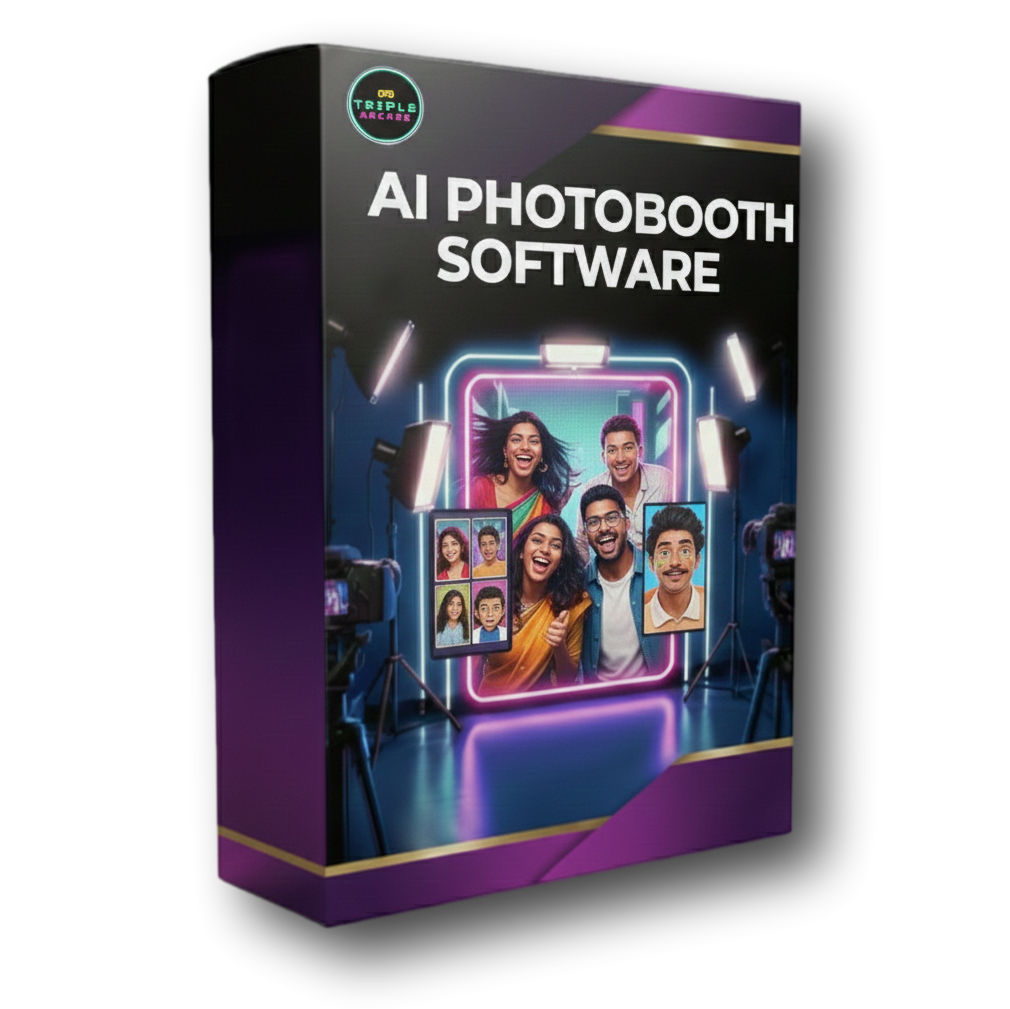
An all-in-one AI photo booth for corporate events, exhibitions, weddings, parties, and large brand activations.
Start Free Trial View Plans
AI Photo Booth Software

Built for Live Events

Face swap, glamour, artistic looks, and themed group scenes — printed and sent to the phone in one session.

AI Photo Booth Software is built for a live queue. Guests pick a look from a library of 50 effects and styles, keep their own face, and leave with a print and a QR. Capture, framing, and printing run on the Windows booth. Internet is needed only for cloud AI styles and online sharing.

Why AI Photo Booth Software?

  • ✓ Face swap and character themes
  • ✓ 50 effects and styles in the library
  • ✓ Portrait 4×6 and landscape 6×4 frames
  • ✓ QR payments, with coupons coming soon
Workflow

Guest Flow

The guest path stays short. Turn steps on or off for the event, and skip the style screen when only one look is enabled.

Themes and Effects

50 Effects and Styles

The booth ships with 50 ready-made effects and styles. Switch on the full menu, or show only the looks that fit the event — wedding and glamour for a reception, or a short brand set for an activation.
Print and Sharing

Print and Sharing

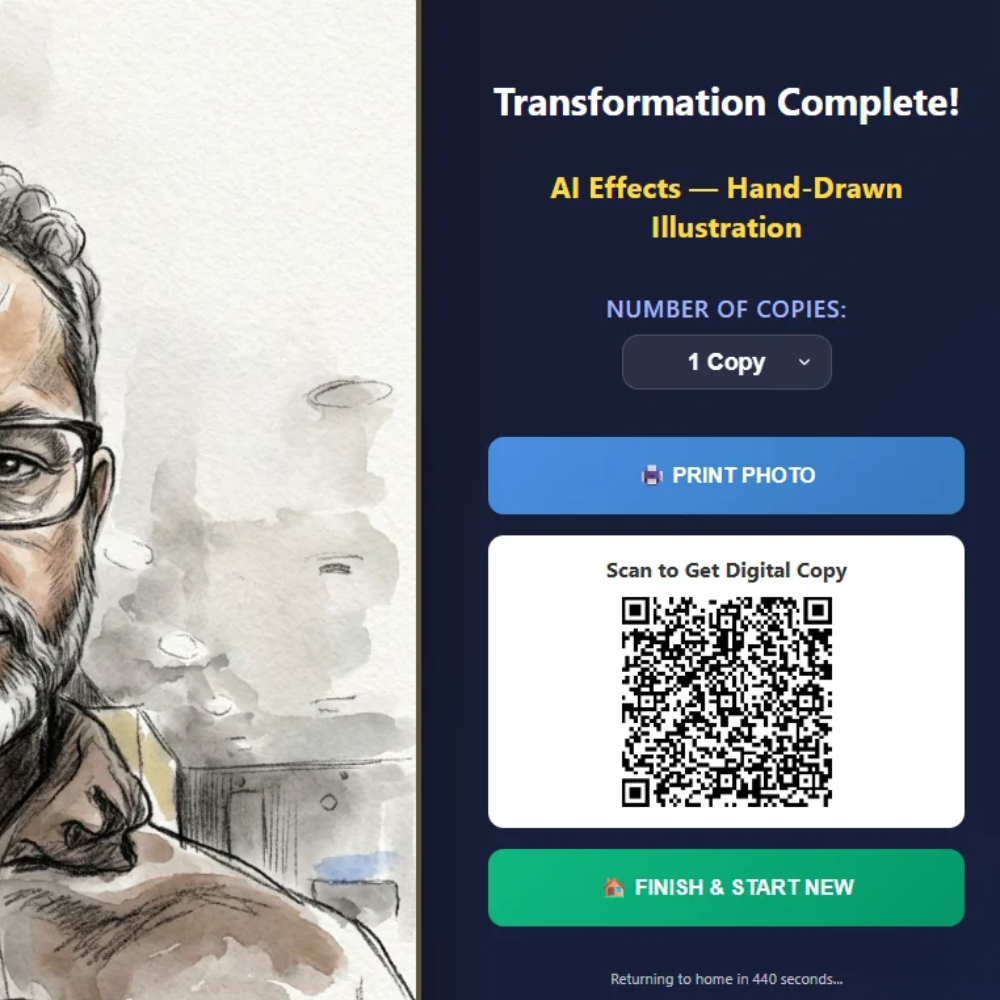
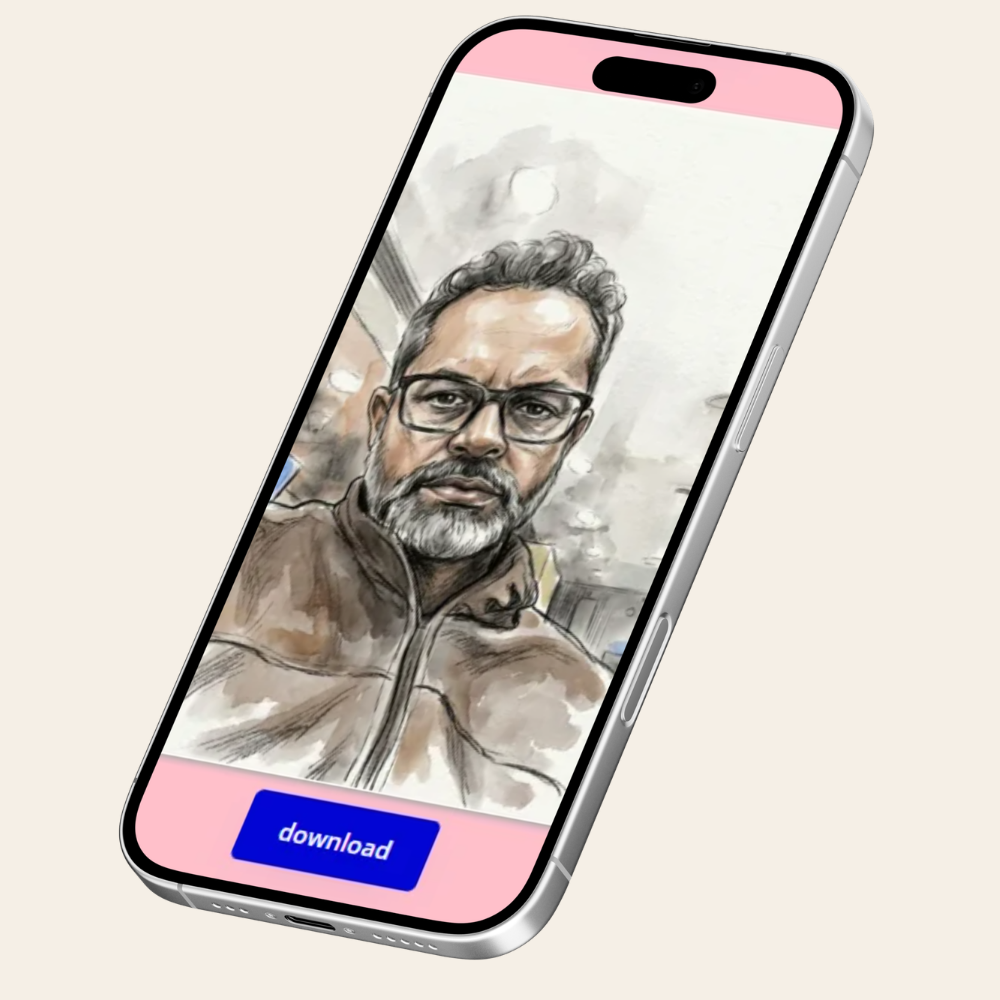
Print on site from the result screen. A QR code opens the photo on the guest’s phone, ready to save or forward.
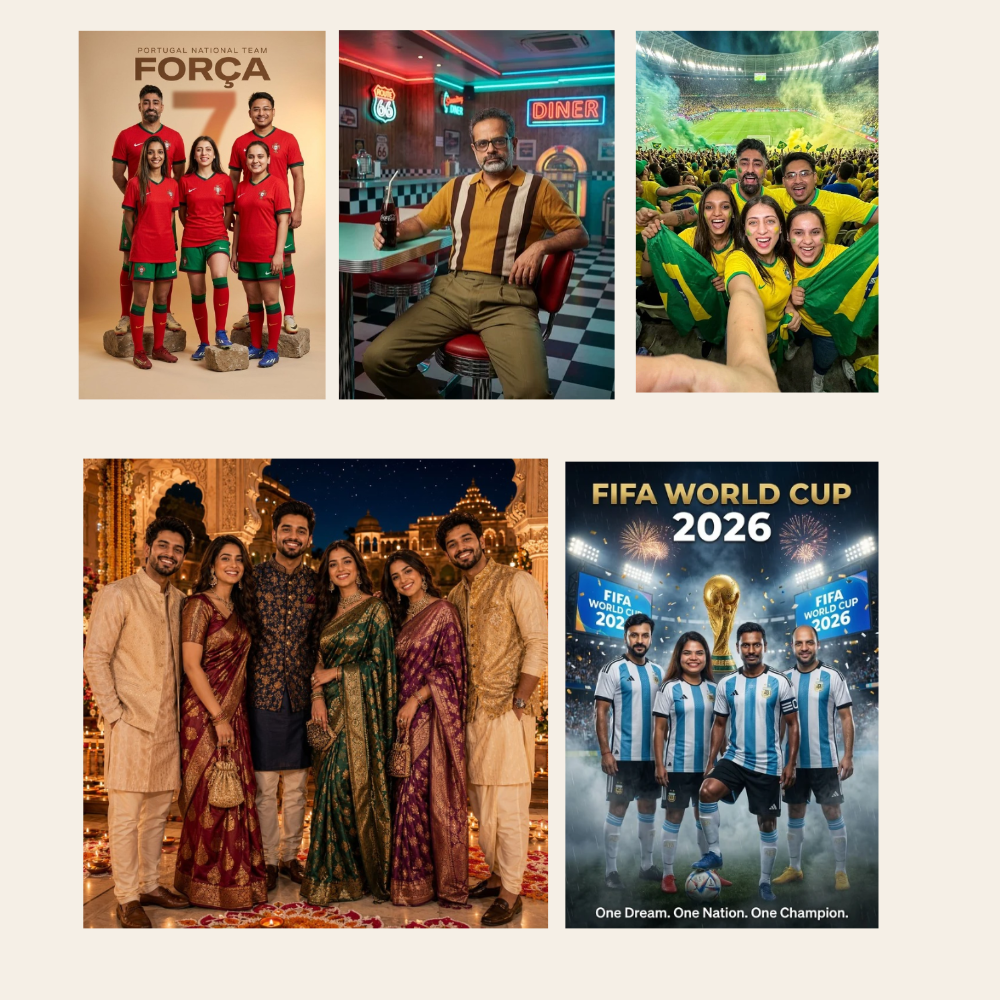
AI event gallery — themed sports, retro, and celebration AI photo outputs
Gallery

Live Gallery & Social Media Wall

Every event gets a gallery link — guests browse and download on their phone, while you show new sessions live on a venue screen.

Frame Customization

Portrait and Landscape Frames

Each event gets its own frame. Pick the orientation and print size, then preview the exact sheet before the booth opens.
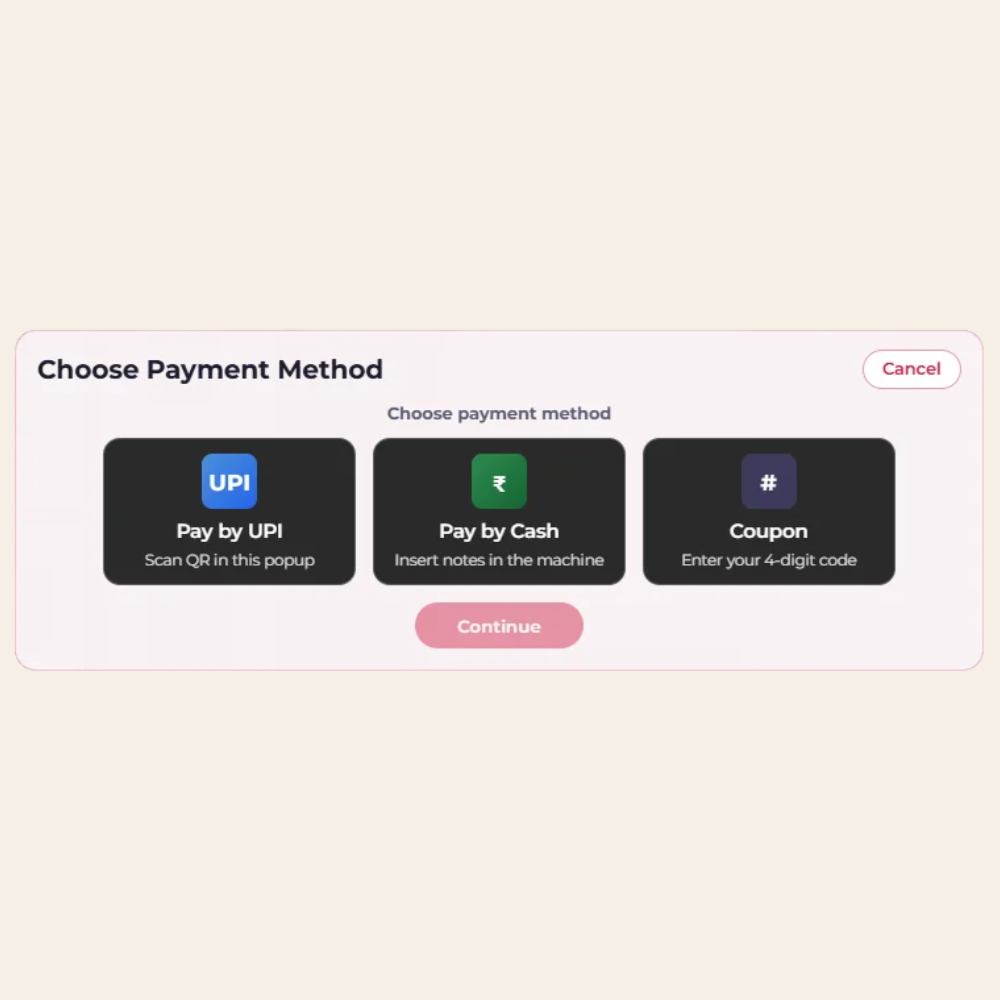
Choose Payment Method — Pay by UPI, Pay by Cash, and Coupon
Payment Collection

QR and Coupon Payments

Payments are optional. Leave them off for a hosted activation. When the booth should sell prints, guests pay by QR today. Coupon codes — already on the classic booth — are coming to the AI booth as well.
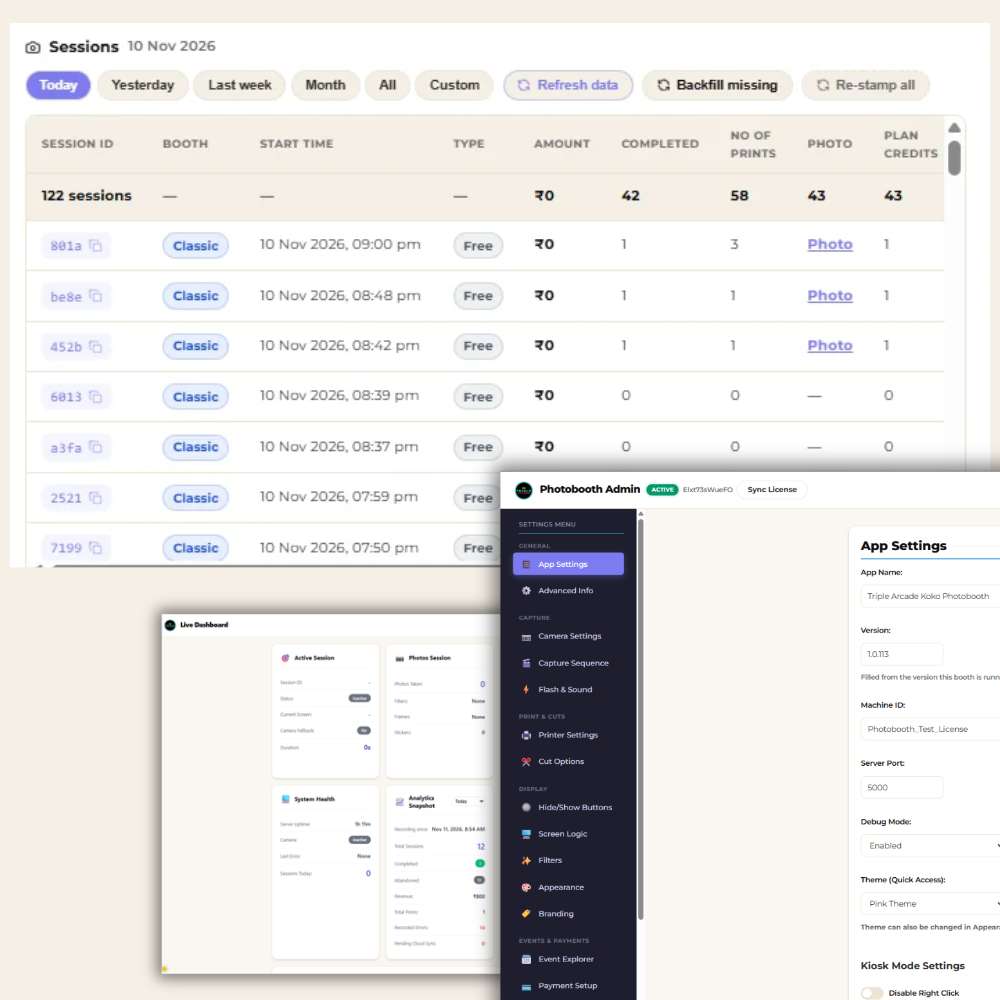
Photobooth admin dashboard — sessions, live health, and settings
Dashboard and Analytics

Dashboard and Analytics

See what sold, what was shared, and where guests dropped off — then download the numbers at the end of the night.

Coming soon

AI Prompting

The booth already ships with a full library. Next, you will be able to create your own AI effects and place them beside the styles that are already there.

Discover More Features

For plans, sharing, and the rest of the platform, explore Kokobooth by Triple Arcade — the full Photobooth Software suite.

Ideal For

Photo booth owners, event agencies, and brands.

Corporate Events Exhibitions Weddings Parties Brand Activations Malls

FAQ

AI Photobooth Overview

What is AI Photobooth Software? +
AI Photobooth Software is an advanced event photo booth solution that uses artificial intelligence to create face swaps, AI backgrounds, beauty filters, and branded images instantly at events.
Which events is AI Photobooth Software best suited for? +
This software is ideal for corporate events and conferences, brand activations and exhibitions, product launches and malls, and weddings, parties, and social events.
How is an AI photobooth different from a regular photobooth? +
Unlike traditional photo booths, AI photobooths automatically enhance images using AI-powered face effects, background replacement, theme-based visuals, and instant digital sharing — without manual editing.

Features & Capabilities

What AI features are included? +
The current library has 50 effects and styles, including AI face swap, background removal and AI scenes, beauty and glam filters, and theme-based AI image generation. Guests can share instantly by QR and WhatsApp.
Can I create my own AI effects? +
Not yet. Creating new AI effects beyond the 50 in the library is coming soon. Until then, every event runs on the ready-made styles.
Can the software be branded for corporate clients? +
Yes. You can add logos, brand colors, overlays, custom frames, and branded sharing screens — making it a fit for marketing activations and sponsorships. Frames are portrait 4×6 or landscape 6×4.
What is Live Gallery and the social media wall? +
Live Gallery is the event’s cloud collection. Guests browse, download, and share photos from a phone or browser. A social media wall shows those new sessions on a phone, tablet, TV, or external screen at the venue in real time.
How do guests pay? +
By QR or coupon. UPI QR payment is available now. Coupon codes are already on the classic booth and are coming to the AI booth as well. Payments can be left off for a hosted event.
Does the AI photobooth work offline? +
Yes. The software supports offline operation. Internet is only required for cloud-based AI features or online sharing, so the booth stays usable in exhibition halls and remote venues.

Technical & Compatibility

Which operating systems are supported? +
AI Photobooth Software is fully compatible with Windows PCs.
What camera equipment is supported? +
The software supports professional DSLR cameras from Canon and Nikon for high-quality event photography.
Can this be used with touchscreens and kiosks? +
Yes. The software is optimized for touch screens, photo booth kiosks, and self-service event setups.

Pricing & Usage

Is there a free trial available? +
Yes. A free trial is available so you can test the software before purchasing. Trial images include a watermark. Start a free trial →
How is the AI usage calculated? +
AI features work on a credit-based system. Each AI action, such as a face swap or an AI background, uses a small number of credits. See plans and pricing →
Who typically uses this AI photobooth software? +
Photo booth business owners, event agencies, brand marketing teams, and wedding and party planners.